Thundercomm RUBIK Pi 3 with 128GB UFS: A Spec Review
Thundercomm unveiled the RUBIK Pi 3 at CES 2025 on January 7, 2025. Featuring the QCS6490 (Dragonwing series) with up to 12.5 TOPS NPU and onboard 128GB UFS 2.2, this board stands out. However, with USB-C PD (recommended 12V 3A) power requirements and UFS-specific flashing procedures, understanding these before purchase is essential.
Thundercomm unveiled the RUBIK Pi 3 at CES 2025 on January 7, 2025. The official announcement page, product page, and documentation are all available, allowing you to review specifications, OS images, and flashing procedures.
This board centers on the Qualcomm QCS6490 (Dragonwing series) with up to 12.5 TOPS NPU, designed for edge AI applications. It also features onboard 128GB UFS 2.2 storage, making it easier to build complete systems without relying on microSD cards like many other boards.
However, power requires USB-C PD (recommended 12V 3A). The documentation explicitly states the board won’t boot if requirements aren’t met, so trying to use a 5V power supply like with Raspberry Pi will lead to boot failures. Before getting started, understand these three key points: power (PD), UFS flashing procedures, and NVMe expansion (2280).
With QCS6490 + up to 12.5 TOPS NPU + 128GB UFS 2.2 onboard, this edge AI SBC is built around storage-ready deployment, including NVMe expansion capability.
The USB-C PD power requirement (recommended 12V 3A) and UFS-specific flashing procedures are important points to understand before purchase.
Features
SoC, CPU, and GPU
The heart of RUBIK Pi 3 is the Qualcomm QCS6490. The CPU combines Arm Cortex-A78 and Cortex-A55 cores, suitable for handling inference pipeline pre/post-processing and I/O control while offloading heavy inference to the NPU.
The GPU is Adreno 643, providing UI rendering and parallel processing capabilities within the SoC.
NPU & AI Performance (12.5 TOPS)
The NPU is rated at up to 12.5 TOPS, making it clearly positioned as an “AI-focused board.” It’s well-suited for edge AI scenarios where camera/sensor inputs are processed locally and only results are sent over the network.
From a competitive standpoint, combining Raspberry Pi 5 with external AI accelerators (like Hailo-8L) offers more versatility. However, RUBIK Pi 3 has the NPU as a core assumption, reducing decision-making overhead when building inference-ready systems from the start.
Storage and Boot (UFS-Based)
Storage includes 128GB UFS 2.2 onboard. Unlike microSD-dependent SBCs, you can estimate logging and dataset requirements upfront and proceed directly to deployment.
Flashing and recovery procedures are documented officially, specifying UFS as the target storage. This differs from the typical “just flash a microSD” approach, so reviewing the documentation beforehand is recommended.
Additionally, M.2 Key M (PCIe 3.0 x2) allows NVMe (2280) expansion. For applications with growing datasets or recording logs, this practical expansion option is valuable.
Expansion (M.2 and 40-pin Header)
Expansion includes M.2 Key M plus a 40-pin LS header offering up to 28 GPIO, I2C, UART, SPI, I2S, and PWM for sensor prototyping.
However, GPIO logic voltage isn’t specified in primary sources. While 5V and 3.3V power pins with 1A limits are confirmed, level compatibility should be verified with the actual hardware or additional documentation.
M.2 is specified as PCIe 3.0 x2 for NVMe use. PCIe lane sharing or mutual exclusion with other I/O isn’t confirmed in primary sources, requiring caution for peripheral-heavy setups.
Video Output and I/O
Video output includes HDMI 1.4 (up to 4K 30Hz) and USB-C DP (up to 4K 60Hz). Sufficient for desktop development and demos, but simultaneous output and driver dependencies aren’t confirmed in primary sources—pre-verification is recommended for dual-display setups.
Input-side features MIPI CSI x2, enabling dual-camera configurations (specific compatibility conditions unconfirmed in primary sources).
Networking includes 1GbE, Wi-Fi (802.11a/b/g/n/ac), and Bluetooth 5.2—adequate for camera/sensor inference with server result transmission.
Power and Cooling (USB-C PD 12V 3A Recommended)
Power input is USB-C PD 3.0, with 12V 3A recommended. Documentation explicitly states the power LED won’t light and the board won’t boot if requirements aren’t met—this is the top priority to address.
A 4-pin PWM fan connector is provided, with guidance on using Raspberry Pi-compatible PWM fans. With an operating temperature range of 0–50°C, factor in cooling for continuous load in enclosed cases.
OS Images (Ubuntu, Debian, Android, etc.)
Official documentation includes a System Image page with Ubuntu, Linux, Android, and Debian distributions. Ubuntu has Canonical’s Qualcomm IoT distribution as an entry point.
Android appears to be in development based on distribution naming, so maturity assessment based on your use case is necessary.
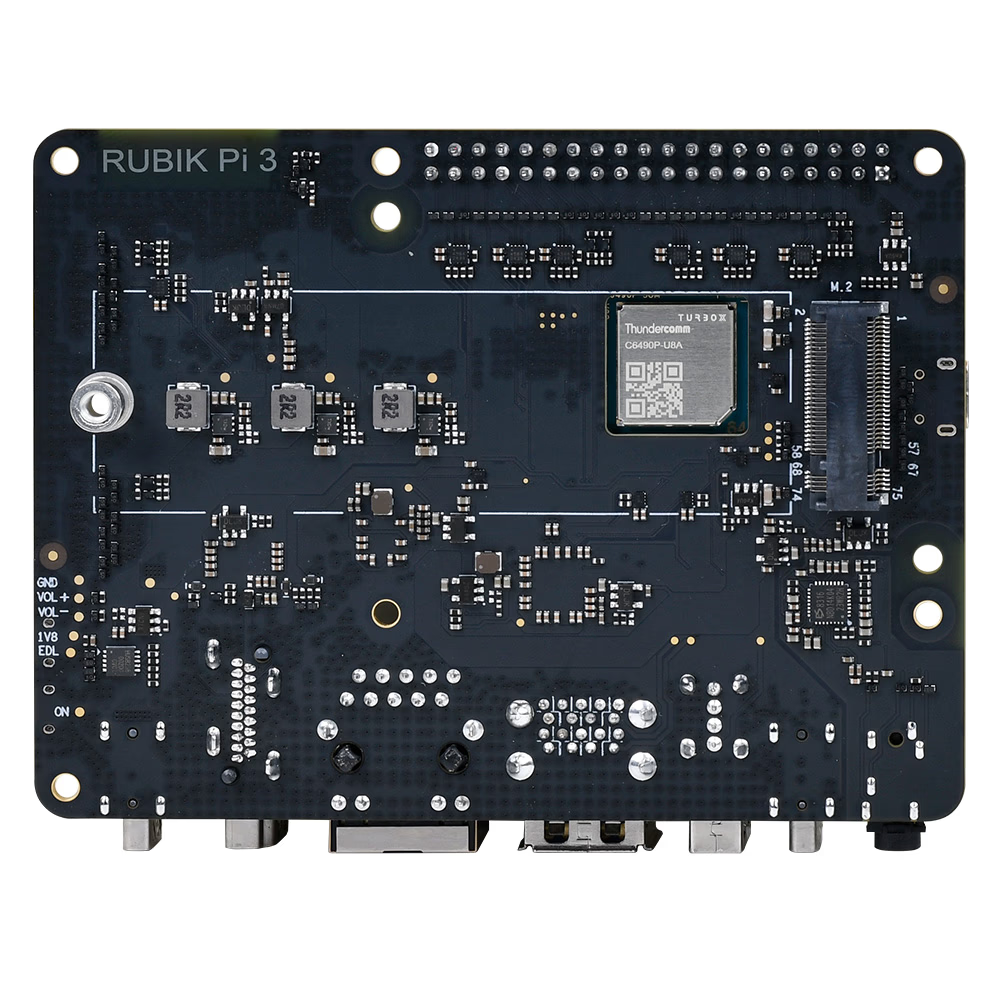
Shows underside component placement for case design and interference checking. Mounting hole positions are detailed in the datasheet’s mechanical drawing (Figure 2-4), though specific dimensions aren’t stated here (unconfirmed).
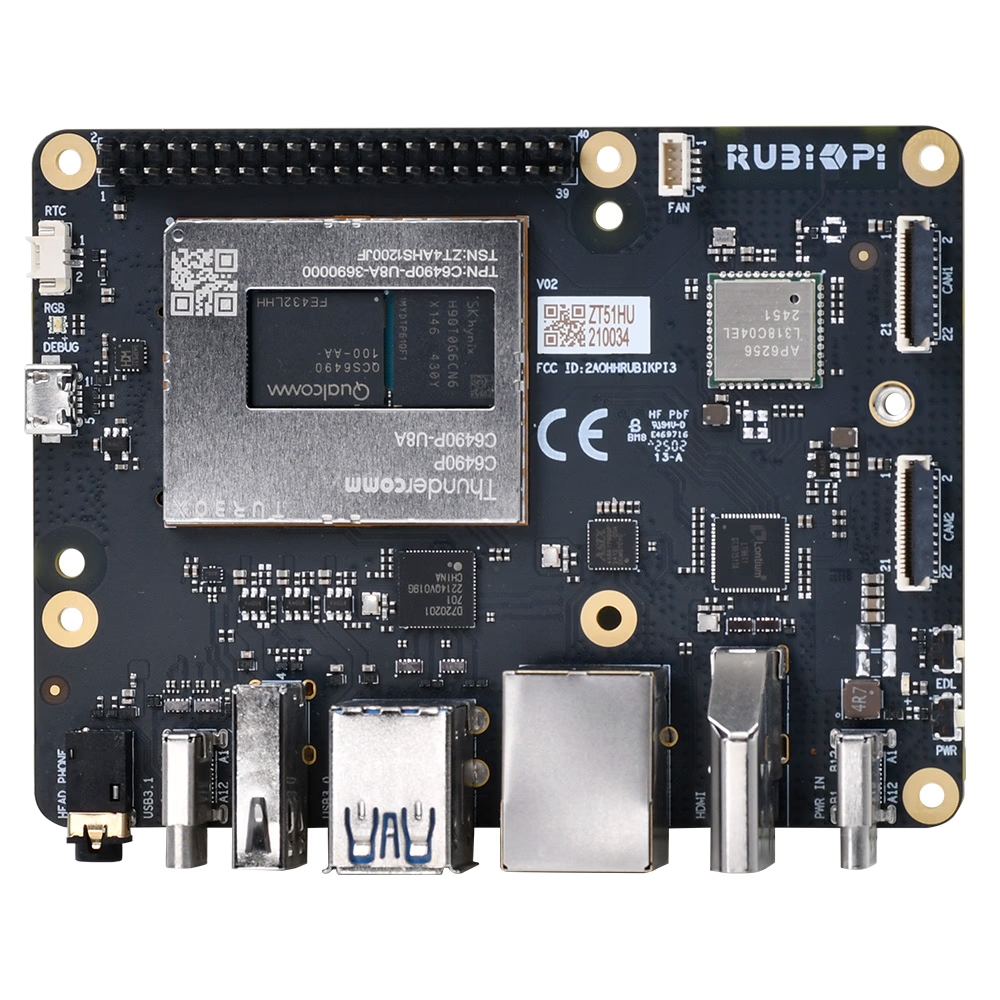
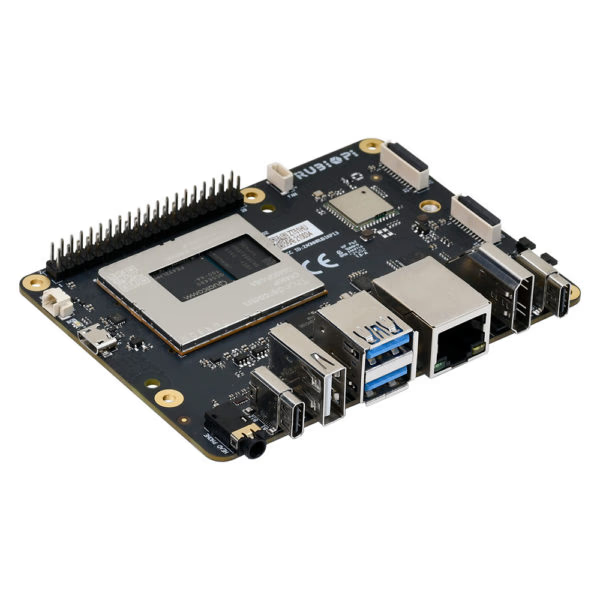
RJ45, HDMI, USB-A, and USB-C are aligned on the same side for convenient desktop development.
However, power is USB-C PD input—connecting 5V power as you would with other boards may prevent booting. This is a critical point to note.
Summary
RUBIK Pi 3 is a “storage-ready” edge AI SBC featuring QCS6490 with up to 12.5 TOPS NPU and onboard 128GB UFS 2.2.
It’s ideal for those with clear edge AI use cases like vision AI or sensor inference from the start. Standard UFS makes deployment planning easier, and NVMe expansion supports data-heavy applications.
Conversely, it’s not suitable for those expecting to reuse Raspberry Pi-style power supplies. USB-C PD (recommended 12V 3A) is required, and documentation explicitly states it won’t boot under certain conditions—power selection is the first hurdle.
Competitively, Raspberry Pi 5 with external AI accelerators offers more versatility, while RUBIK Pi 3’s “NPU-first + UFS-first” approach appeals to those who appreciate this focused design.
Direct sales via Add to cart on the official page shows $99 with example lead times (e.g., 2-4 weeks) displayed (taxes and shipping separate).
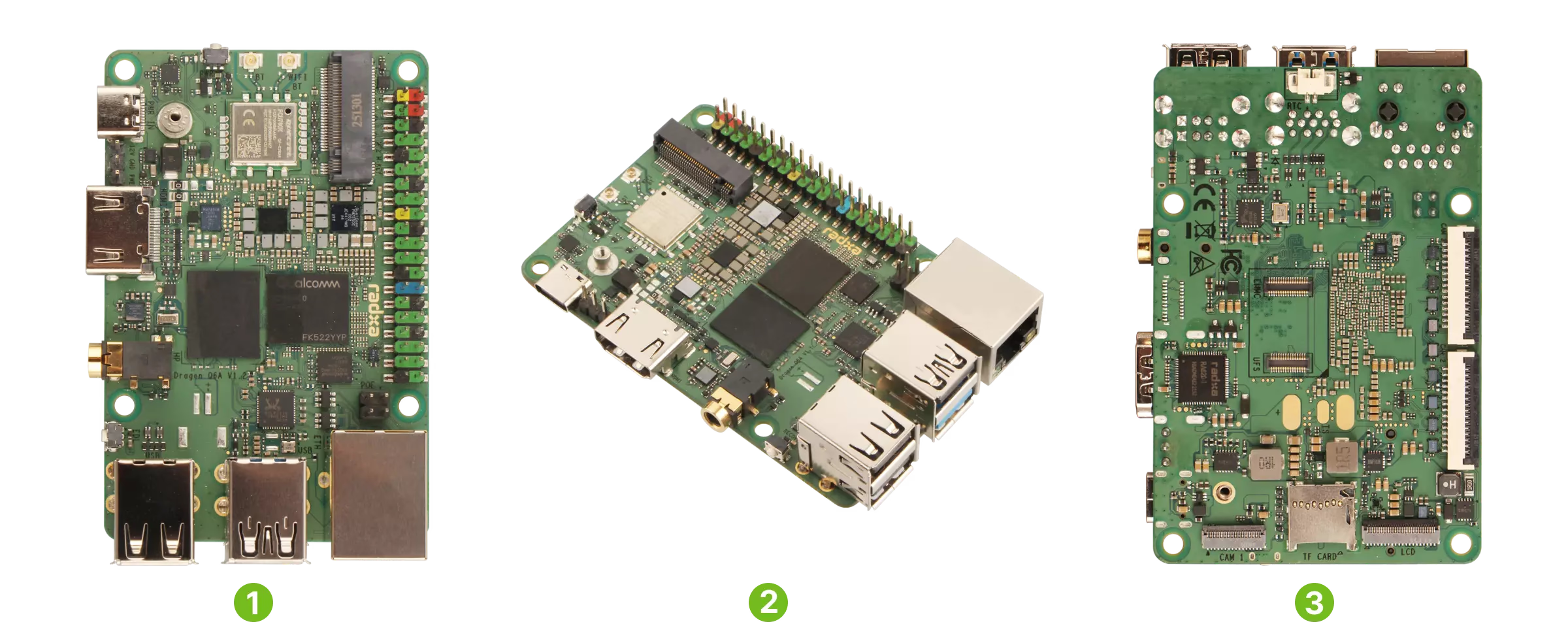
Radxa has published the "Radxa Dragon Q6A" on their official page and Product Brief (Rev 1.4, updated October 24, 2025). This industrial SBC packs Qualcomm QCS6490, Wi-Fi 6, Bluetooth 5.4, 3 MIPI CSI ports, and M.2 2230 NVMe into an 85×56mm form factor. However, AI performance and cooling requirements depend on OS/SDK and implementation conditions, so checking the official Docs before deployment is recommended.
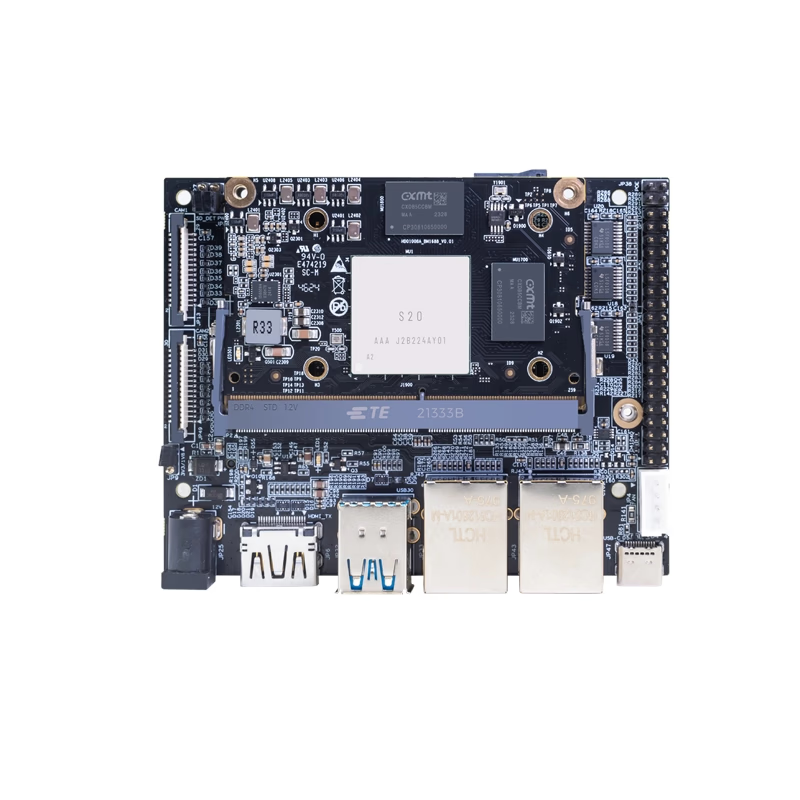
Banana Pi has released product information for their AI-focused core module "Banana Pi BPI-SM9". Equipped with SOPHGO BM1688 and rated at up to 16 TOPS (INT8), the official documentation emphasizes video analytics applications such as decoding and analyzing multiple HD video streams. However, there are inconsistencies in official sources regarding power (5V/12V), dimensions, and GbE port count, so verify whether you are purchasing the module alone, IO board, or kit before ordering.
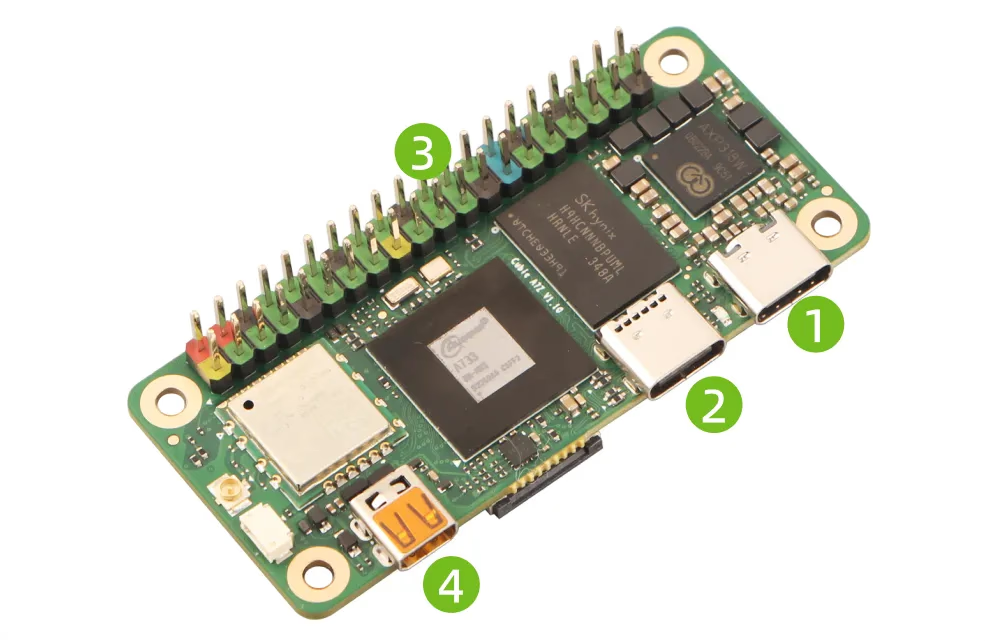
Radxa has published the product page and official documentation for the "Radxa Cubie A7Z." This ultra-compact SBC packs an Allwinner A733 (Cortex-A76×2 + Cortex-A55×6) and a 3 TOPS-class NPU into a 65×30mm form factor, complete with Wi-Fi 6 and Micro HDMI. However, wired LAN and M.2 require expansion, and PCIe is limited to Gen3 x1 via FPC, so checking whether it fits your use case beforehand is recommended.
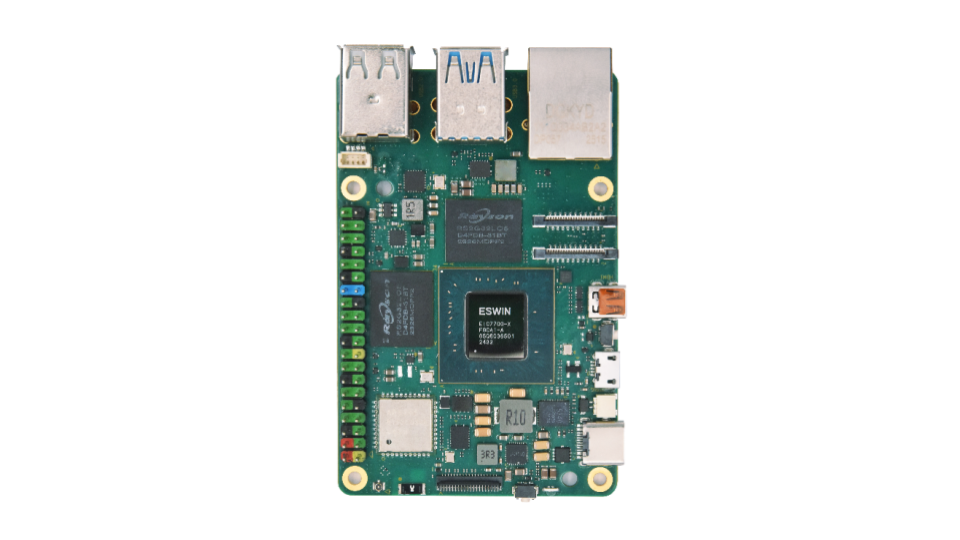
In July 2025, Canonical officially announced that ESWIN Computing's EBC77 Series now supports Ubuntu 24.04 LTS. This SBC features a 64-bit OoO RISC-V CPU and an in-house developed NPU, making the RISC-V + Ubuntu + AI combination a notable highlight. However, detailed specifications for I/O, power, and other aspects remain unconfirmed in official primary sources, so additional research is needed before deployment.