2.5GbE SFP is Interesting: A Spec-Based Look at the Banana Pi BPI-R4 Lite
As of December 31, 2025, Banana Pi has published official documentation for the Banana Pi BPI-R4 Lite. This router-oriented board features a MediaTek MT7987A SoC with 2.5GbE SFP, 2.5GbE WAN, and four 1GbE LAN ports. While Wi-Fi 7 and 5G can be added via expansion slots, the M.2 slot is not designed for NVMe and there are USB 3.0 simultaneous usage limitations—points worth noting before purchase.
As of December 31, 2025, Banana Pi has published official documentation for the Banana Pi BPI-R4 Lite.
This board features the MediaTek MT7987A SoC with 2.5GbE SFP, 2.5GbE WAN, and four 1GbE LAN ports, making it router-oriented.
While Wi-Fi 7 and 5G can be added via expansion slots, the M.2 slot is not designed for NVMe and there are USB 3.0 simultaneous usage limitations—points worth noting before purchase.
Dedicated heatsink available (with or without fan variants)
Supported OS
OpenWrt (official images available)
Included Accessories
Not specified (unconfirmed)
This router-oriented board features 2.5GbE SFP, 2.5GbE WAN, and four 1GbE LAN ports, with expandability for Wi-Fi 7 and 5G.
The clear boot switching mechanism makes it appealing as a box for OpenWrt experimentation.
Features
Networking (2.5GbE SFP is Interesting)
The most distinctive feature of the BPI-R4 Lite is the inclusion of a 2.5GbE SFP port from the start.
With just 2.5GbE RJ45, usage would lean toward “home 2.5GbE upgrades,” but having SFP opens up flexibility for optical modules and switch-side configurations. The key point here is this “wiring flexibility.”
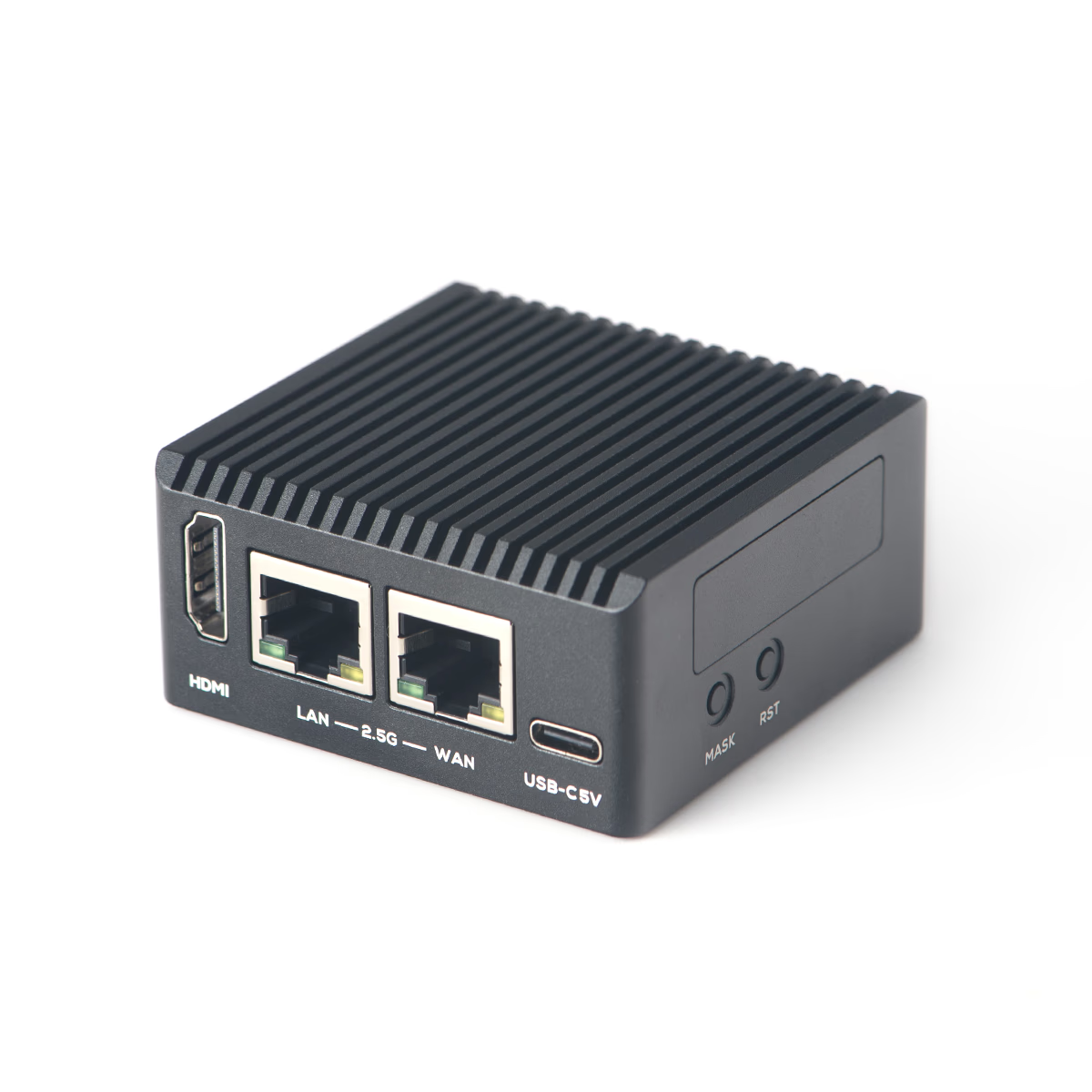
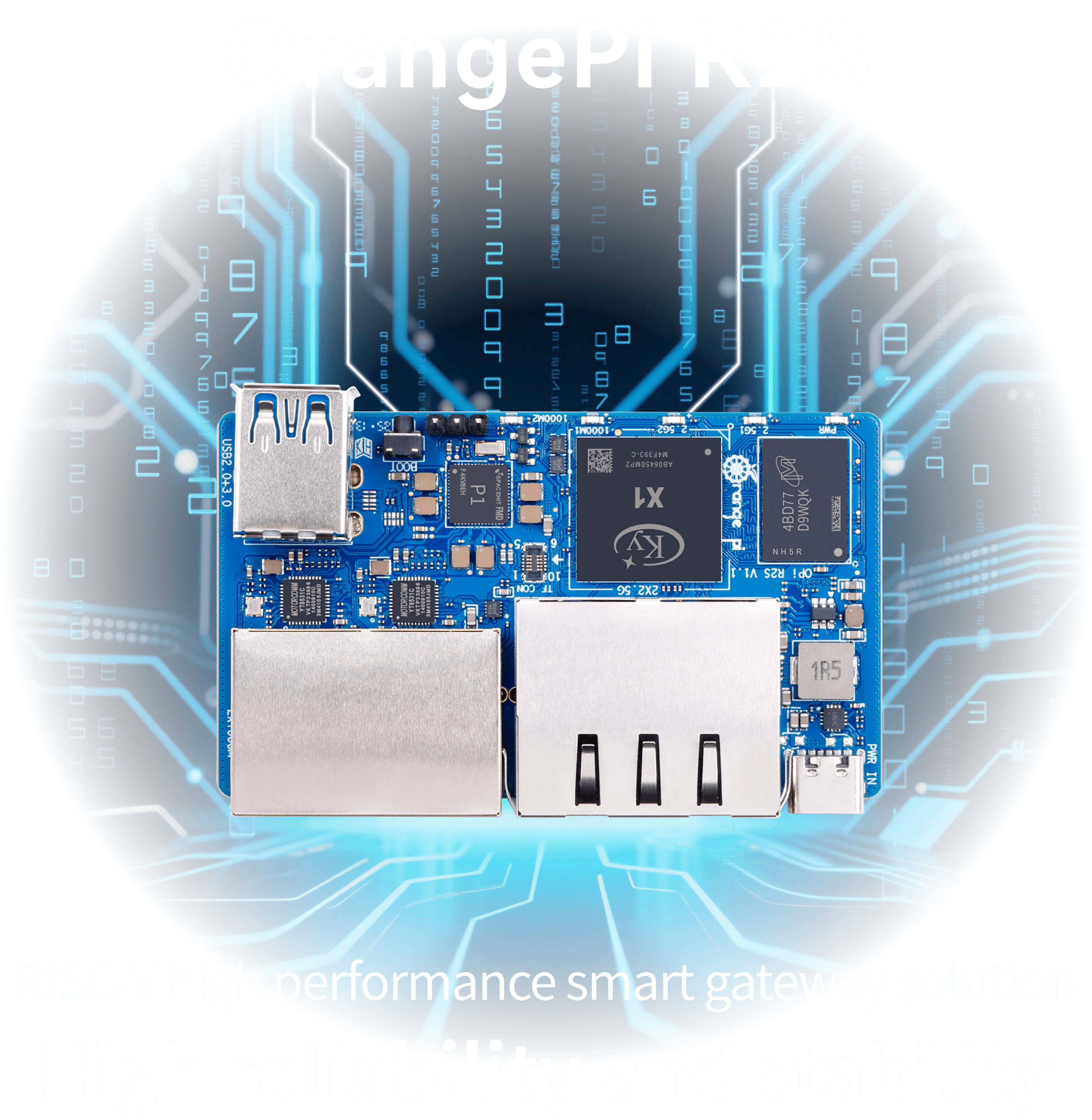
Competitors in the 2.5GbE multi-port router SBC space include the NanoPi R76S and Orange Pi R2S.
However, the BPI-R4 Lite combines 2.5GbE SFP with 2.5GbE WAN, making it easier to build configurations that include optical and switch connections—a differentiation point compared to “RJ45-only routers.”
Expansion (Wi-Fi 7 and 5G Can Be Added, but M.2 Isn’t for NVMe)
Expansion consists of mini PCIe (PCIe 3.0), mini PCIe (USB 2.0), and M.2 Key B (USB 3.0 connection).
The straightforward use case is adding Wi-Fi 7 expansion cards or 5G modules to grow the router into a “wireless and cellular-inclusive” solution.
However, the M.2 slot is not designed for NVMe and is oriented toward 5G modules. Those wanting to expand storage would be better off choosing a different class of SBC to avoid regret.
Additionally, USB 3.0 shares some interfaces with a note indicating only one can be active at a time. The more modules you add, the more essential it becomes to verify combinations.
Boot and Storage (Easy Recovery Matters)
The design allowing boot media switching between microSD, SPI-NOR, SPI-NAND, and eMMC is subtly valuable for router experimentation.
You can recover via microSD if something breaks, or choose SPI or eMMC for stable operation.
The documented USB-C debug console is also helpful for initial setup and recovery.
Power and Cooling (Don’t Skimp Here, Even for Experiments)
Power input is 12V, with specifications listing 12V/5.2A and a minimum configuration reference of 12V/2A.
While there’s documentation stating normal power consumption of about 3W, if you plan to add Wi-Fi 7 or 5G modules, it’s safer to allow headroom for power.
Dedicated heatsinks are available (with variants including or excluding fans).
However, quantitative conditions like operating temperature couldn’t be fully confirmed from primary sources, so additional verification is recommended for enclosure operation or always-on scenarios.
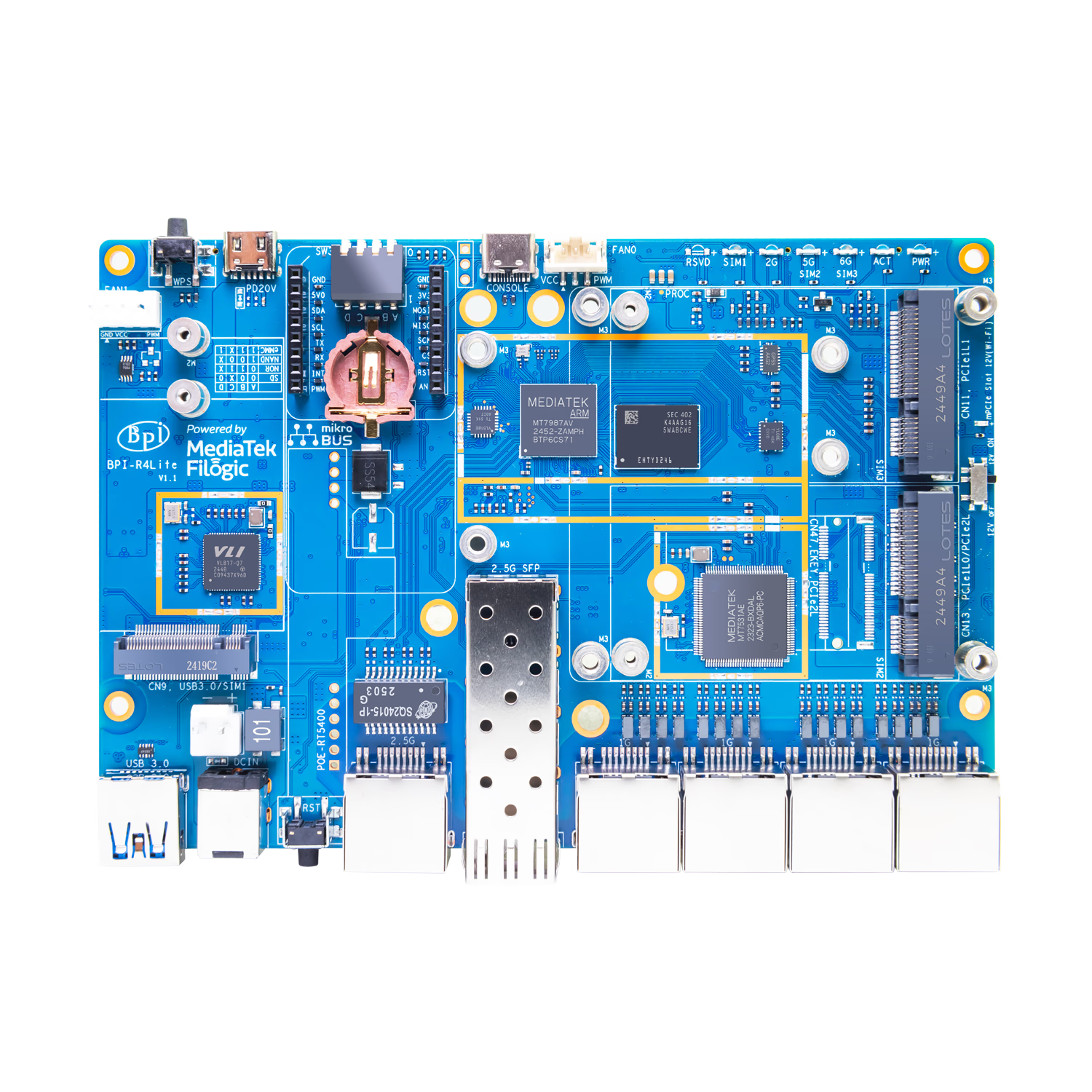
The top of the board shows SFP and RJ45 ports consolidated at the edge, clearly a router-oriented layout.
If planning to add Wi-Fi 7 or 5G, you’ll want to check the expansion slot positions early for potential enclosure interference.
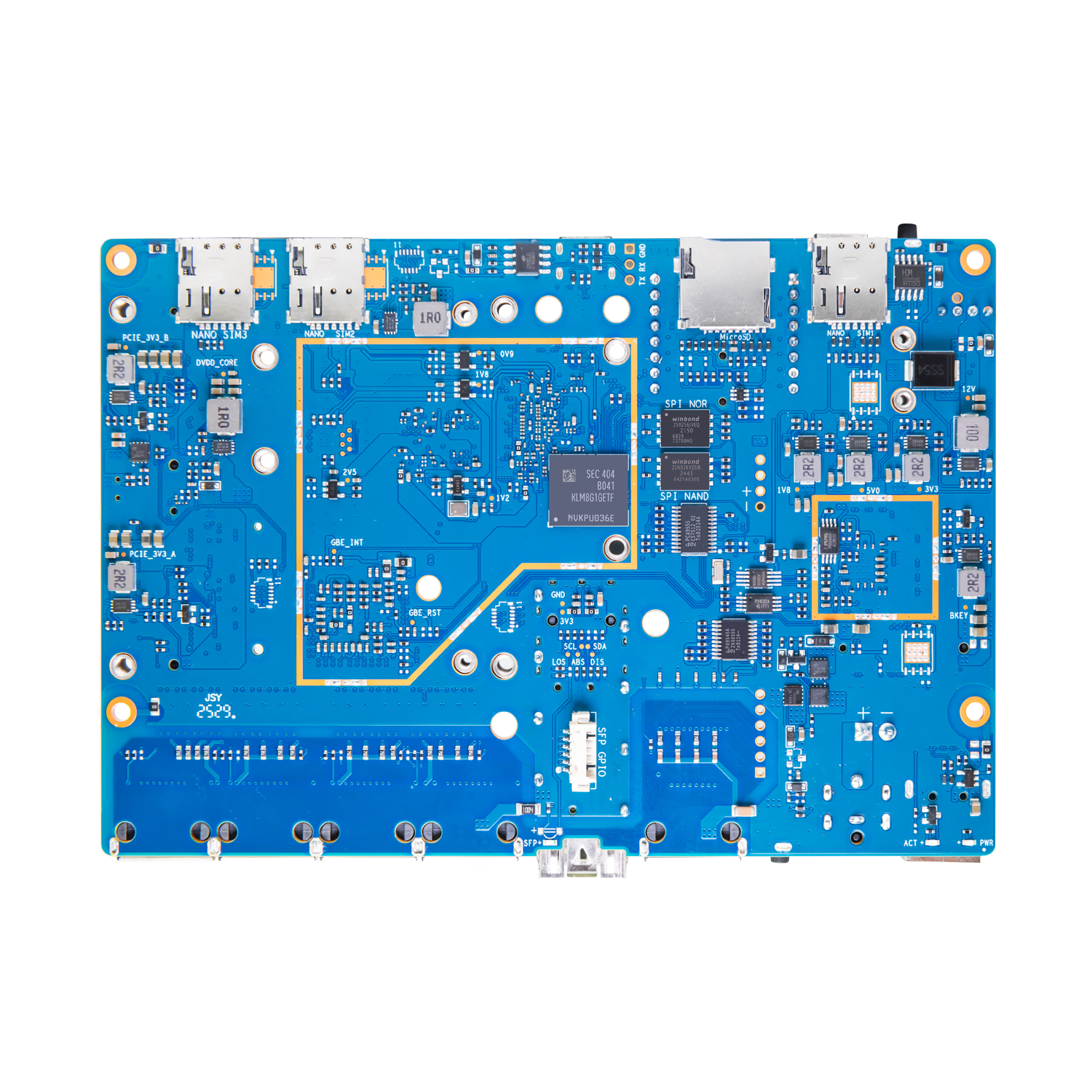
The bottom of the board is mainly for confirming component placement.
When finalizing mounting or enclosure design, it’s practical to use the outline DXF files provided officially.
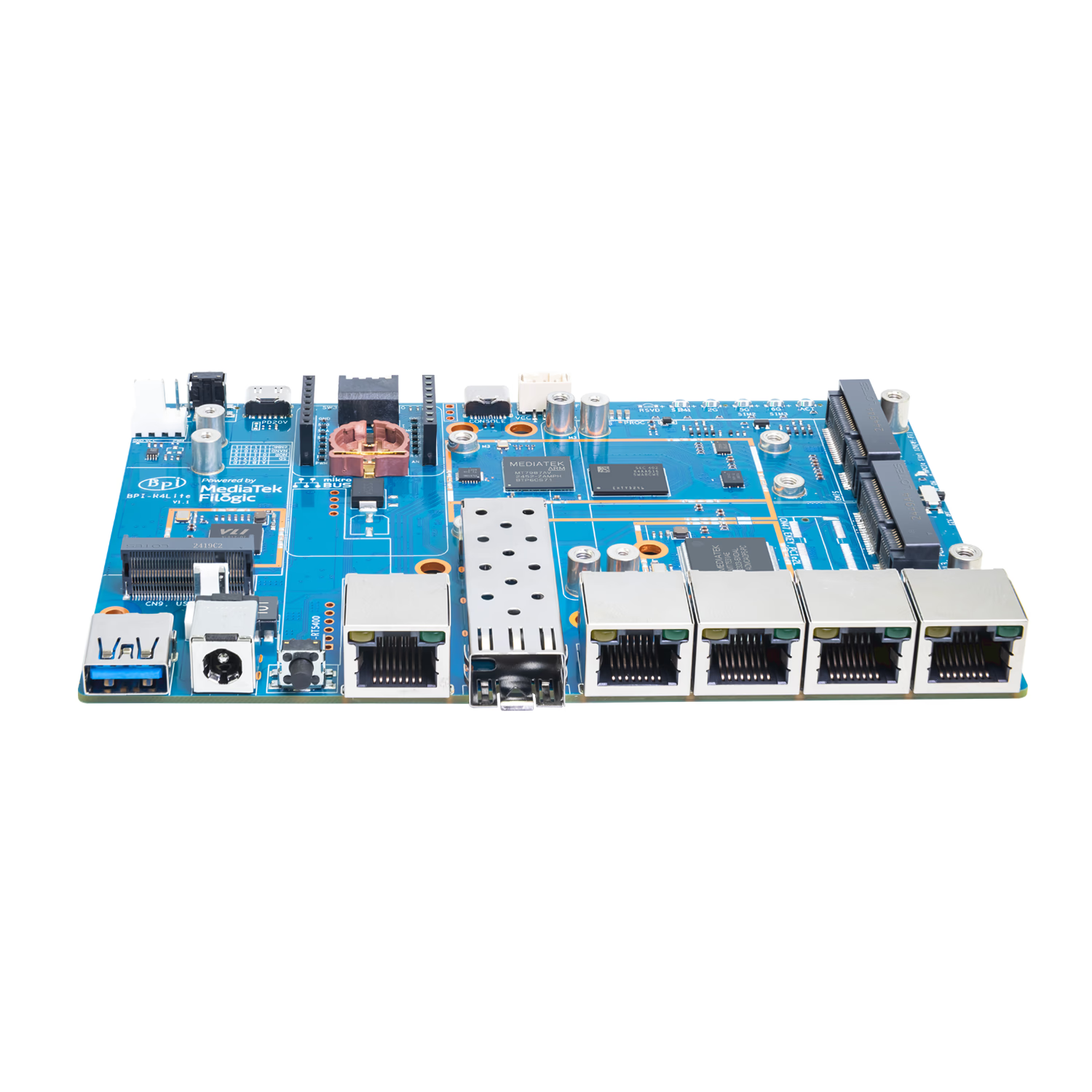
The view of RJ45 ports lined up with the SFP is clear.
While wiring is consolidated, thicker LAN cables and SFP clearance need space, so allow some room for installation.
Summary
The Banana Pi BPI-R4 Lite, with its 2.5GbE SFP, 2.5GbE WAN, and four 1GbE LAN ports, is a board that makes OpenWrt router experimentation easy.
Furthermore, Wi-Fi 7 and 5G can be added later via mini PCIe and M.2 Key B, allowing it to grow from a “wired-only box” to a “box that consolidates field communications.”
This board is suited for those who want to build out networks including 2.5GbE wiring and SFP, or those who want to DIY routers based on OpenWrt.
It’s not suited for those who want to expand storage via NVMe for NAS-like use, or those who want to use it as a general-purpose SBC with HDMI.
FriendlyElec has released the NanoPi R76S. This ultra-compact SBC combines the Rockchip RK3576 with dual 2.5GbE, specifically designed for router and NAS applications. With a compact 58×58mm board featuring an easy WAN/LAN separation configuration, this is a compelling choice for those wanting to build an experimental home network router or lightweight NAS.
Orange Pi R2S is a network-focused RISC-V SBC featuring two 2.5GbE and two 1GbE ports. Powered by the Ky X1 8-core CPU, this high-value gateway device is available starting from around $30.
ZimaBoard 2 is a highly expandable single-board server featuring an Intel N150 processor, dual 2.5GbE ports, and a PCIe slot. Perfect for NAS and home lab builds, it embodies the DIY spirit.
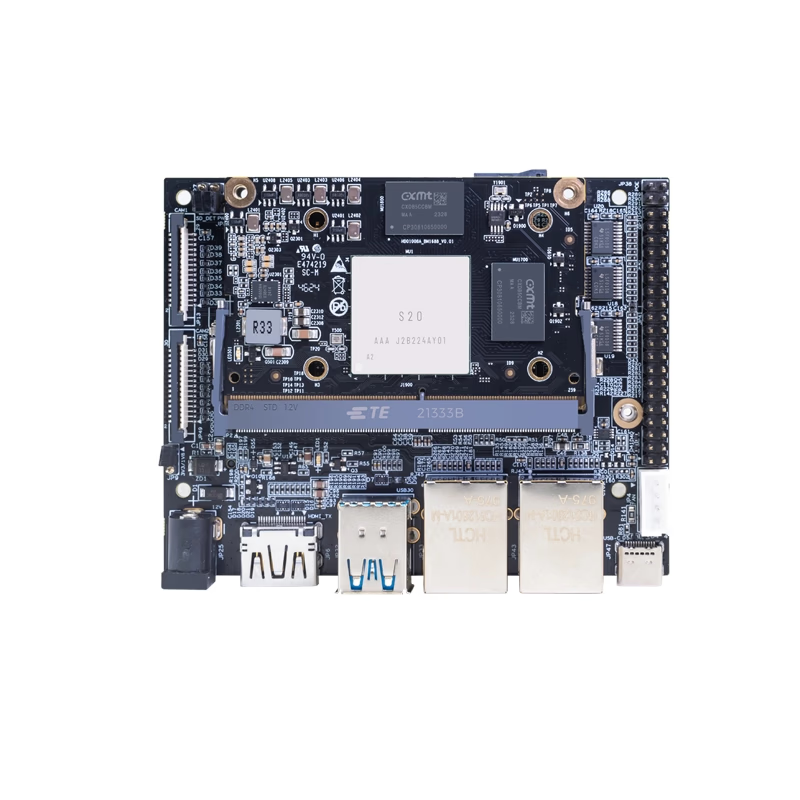
Banana Pi has released product information for their AI-focused core module "Banana Pi BPI-SM9". Equipped with SOPHGO BM1688 and rated at up to 16 TOPS (INT8), the official documentation emphasizes video analytics applications such as decoding and analyzing multiple HD video streams. However, there are inconsistencies in official sources regarding power (5V/12V), dimensions, and GbE port count, so verify whether you are purchasing the module alone, IO board, or kit before ordering.