12W Intel N97 with NVMe + Dual GbE - Reviewing the ADLINK SBC35-ALN 3.5-inch SBC Specifications
ADLINK offers the 3.5-inch SBC "SBC35-ALN" as part of their SBC35 series lineup. Built around the Intel Processor N97 (12W), it features DDR5 SO-DIMM, NVMe (M.2 M-Key), and dual 1GbE (Intel i210IT) - a solid foundation for industrial edge applications. However, there are points to clarify before deployment, including memory limit discrepancies and expansion slot prerequisites.
ADLINK offers the 3.5-inch SBC “SBC35-ALN” as part of their SBC35 series lineup (series announced on August 2, 2024). Product information and documentation are available on the official page.
This board is built around the Intel Processor N97 (12W), solidly covering the essential elements for industrial edge applications including DDR5 SO-DIMM, NVMe (M.2 M-Key), and dual 1GbE (Intel i210IT).
However, there’s no primary source that definitively states “dedicated NPU onboard,” and purchasing generally requires quote requests or distributor channels. Before deployment, it’s safest to clarify memory limit discrepancies and expansion slot prerequisites upfront.
Windows 10/11 (64-bit), Ubuntu 22.04 (Support by project noted)
Size
146×102mm (3.5-inch SBC)
Included
SBC35-ALN motherboard, M.2 screw kit (standard)
This is an industrial edge SBC that packs Intel N97 + DDR5 SO-DIMM + NVMe (M.2 M-Key) + Dual i210 1GbE into a 146×102mm 3.5-inch board.
However, the memory limit discrepancy (16GB/32GB) and understanding what expansion slots can and cannot do could lead to rework if misunderstood, so it’s worth confirming early in the design phase.
Features
CPU & GPU (12W-class x86 Edge)
The core of the SBC35-ALN is the Intel Processor N97. With 4 cores, up to 3.6GHz, and a 12W TDP range, it’s a design that makes it easy to plan for “running inside an enclosure” for industrial small PCs or gateway applications.
The GPU is the Intel UHD Graphics integrated in the CPU, with display outputs including HDMI, DisplayPort, and eDP/LVDS (switchable via BOM). This configuration is easy to work with for multi-display monitoring and control applications, as well as kiosk-style embedded systems.
AI Applications (Not “Dedicated NPU Onboard”)
No primary source confirming dedicated NPU onboard for the SBC35-ALN was found. While Windows distribution materials include GNA driver entries, this isn’t strong evidence to definitively state that “an AI accelerator is mounted” on the board.
This is an easy point to misunderstand. If edge AI is the primary goal, Jetson Orin series development kits or Linux SBCs with NPUs like Rockchip are easier to spec out. Conversely, if you’re leveraging existing Windows application assets or x86 Linux as a premise, with inference offloaded to the iGPU or external accelerators, a solid foundation like the SBC35-ALN comes into its own.
Memory and Storage (Two-tier NVMe + SATA)
Memory is DDR5 SO-DIMM. While onboard memory is common in industrial equipment, SO-DIMM is a welcome feature for its flexibility in procurement and repair.
However, there’s a discrepancy in maximum capacity - the datasheet and manual state 16GB, while the product page shows 32GB. For production deployment, it’s safest to confirm with the distributor or sales representative along with the specific memory part number you plan to use.
Storage supports both M.2 M-Key NVMe (PCIe Gen3 x2) and SATA 6Gb/s. This straightforward two-tier configuration allows designs like OS and applications on NVMe, with logs and data archiving on the SATA side.
Additionally, the UEFI BIOS includes network boot configuration options like PXE/HTTP, making it easier to have a two-tier approach to provisioning and recovery via “USB + network” - another industrial SBC-like feature (though actual operational feasibility depends on network requirements).
Expansion (M.2 3-slot and SBC-FM Prerequisites)
M.2 is a 3-slot configuration with Key M/E/B.
Key M is for NVMe (PCIe Gen3 x2), Key E is designed for Wi-Fi (PCIe Gen3 x1) + Bluetooth (USB 2.0).
Key B is USB 3.0/2.0 only with no PCIe support, and is part of a SIM card configuration. If you assume “B-Key means I can insert something via PCIe,” you’ll run into issues, so it’s safer to treat it as dedicated to cellular or USB devices.
Additionally, an SBC-FM connector provides expansion paths including PCIe, USB 2.0, SMBus, and LPC. However, the connector definition explicitly states “PCIe4 x4 (ALN not supported),” so you need to design with the understanding that this option is not available on the SBC35-ALN.
Including DI/DO (8DI + 8DO), this design direction is less about GPIO compatibility and more about “reliably exposing I/O used in the field.”
Network & I/O (Dual i210 1GbE Works Well)
LAN consists of dual 1GbE with two Intel i210IT chips. This makes it easy to plan configurations like separating upstream network from field network, software router/gateway, or small edge devices with separate collection and transfer systems - a straightforward strength.
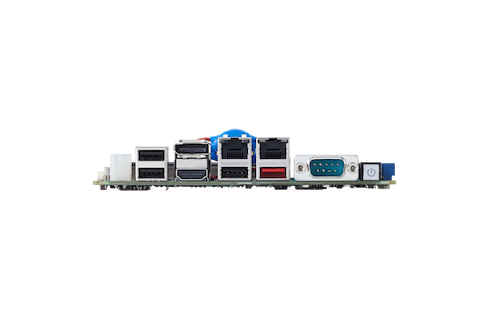
The I/O side consolidates DC input, USB, DisplayPort, dual LAN, serial (COM1), power button, and HDMI. Having the “I/O lineup needed in the field” on a single board for industrial equipment is quietly effective.
Power & Thermal (Finalize with Enclosure in Mind)
Power input is 12-24V DC, with overcurrent protection (8A) mentioned. Since DC input is listed as “DC jack (optional),” when designing harnesses for enclosures, it’s safest to confirm the connector type (DC jack or other DC input connector form factor) along with the BOM at the time of purchase.
Cooling includes a separately sold passive heatsink, with a 5V fan header entry. With an operating temperature rating of 0-60°C, even when pursuing a fanless design, it’s prudent to start with the manufacturer’s assumed thermal configuration as the baseline.
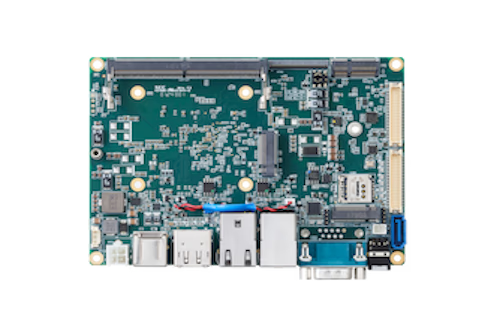
The board top side consolidates the key expansion components including DDR5 SO-DIMM, M.2 slot array, and SBC-FM connector.
With M.2 split into three systems (Key M/E/B) with clearly differentiated purposes, deciding the allocation for “NVMe,” “wireless,” and “cellular/USB devices” upfront helps prevent wiring and enclosure design from falling apart.
BOTTOM (Board Underside)
No official photos of the board underside were found. For the stage where you’re finalizing mechanical design (mounting holes, thickness direction, heatsink/heat spreader), it’s realistic to proceed based on the Mechanical Dimensions diagram in the user manual.
The I/O side consolidates DC input, USB, DisplayPort, dual LAN, serial (COM1), power button, and HDMI. This lineup is more oriented toward “I/O used in the field” than typical SBCs, giving it an appearance suited for stationary industrial edge applications.
Conclusion
The SBC35-ALN is a 3.5-inch SBC that solidly combines a 12W Intel N97 with DDR5 SO-DIMM, NVMe, and dual 1GbE. With Windows 10/11 and Ubuntu 22.04 noted, it’s an easy choice as a foundation for industrial edge and gateway applications leveraging existing x86 assets.
However, be careful not to misread prerequisites during the early design phase - including the memory limit discrepancy (16GB/32GB), the fact that M.2 B-Key is USB-only, and that SBC-FM’s “PCIe4 x4 is not supported on ALN.” Since the purchasing channel is primarily quote requests and distributors, it’s smoother to finalize requirements and BOM before reaching out.
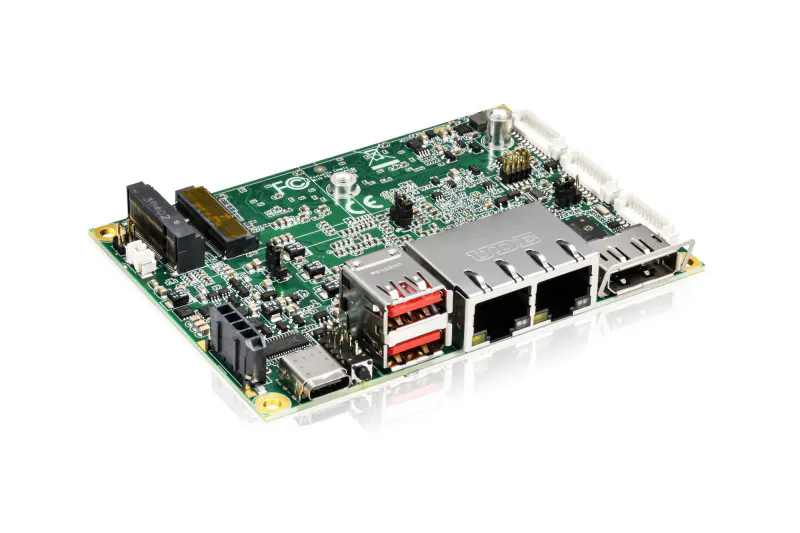
Kontron is deploying the "2.5"-SBC-AML/ADN", a Pico-ITX (100x72mm) SBC. Supporting Intel Atom x7000(R)E, Core i3-N305, and N97, it offers dual 2.5GbE, 3-screen 4K output, and M.2 expandability for edge gateways.
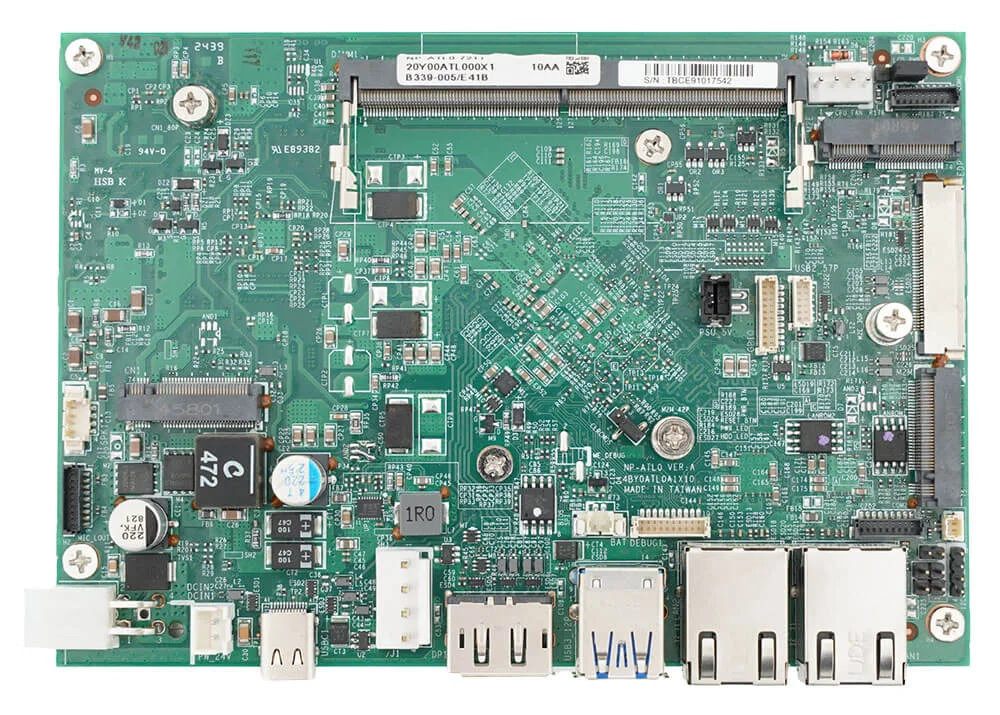
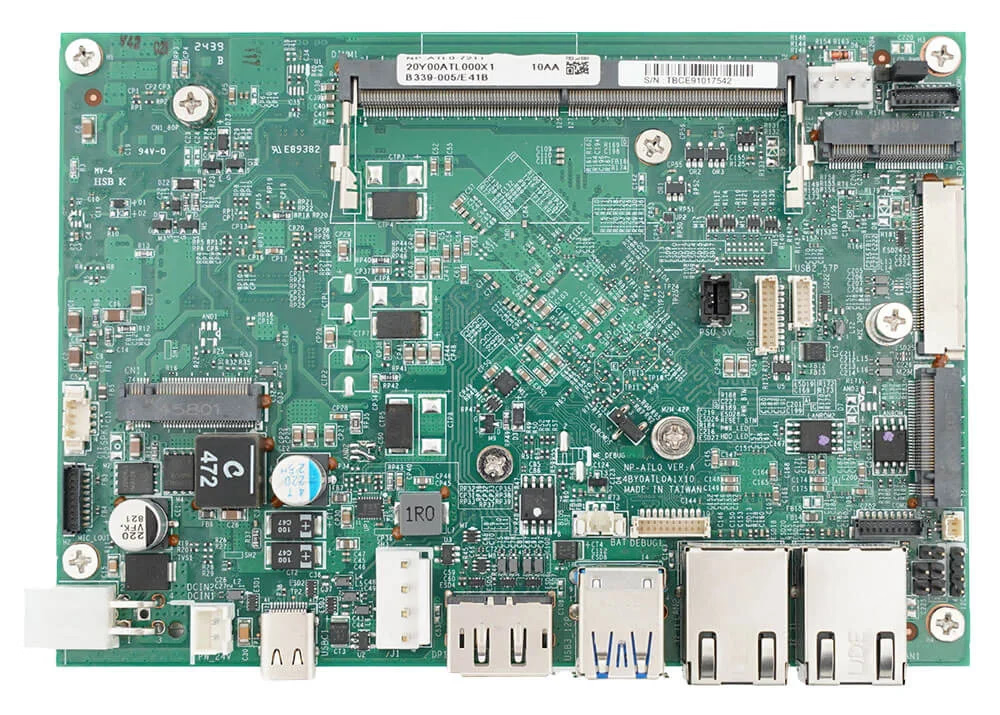
FORTEC Integrated announced the 3.5-inch SBC "SBCPRO-X51" with Intel Atom x7211RE (Amston Lake). It supports adding USB-C one-cable output or V-by-One via M.2 expansion modules. With dual 2.5GbE and wide temp support, it hits the spot for HMI, signage, and edge gateways.
On Nov 25, 2025, FORTEC Integrated announced the SBCPRO-X51, a 3.5-inch SBC powered by Intel Atom x7211RE (Amston Lake). Its standout feature is the flexible M.2 expansion module for adding USB-C DisplayPort or V-by-One connectivity.
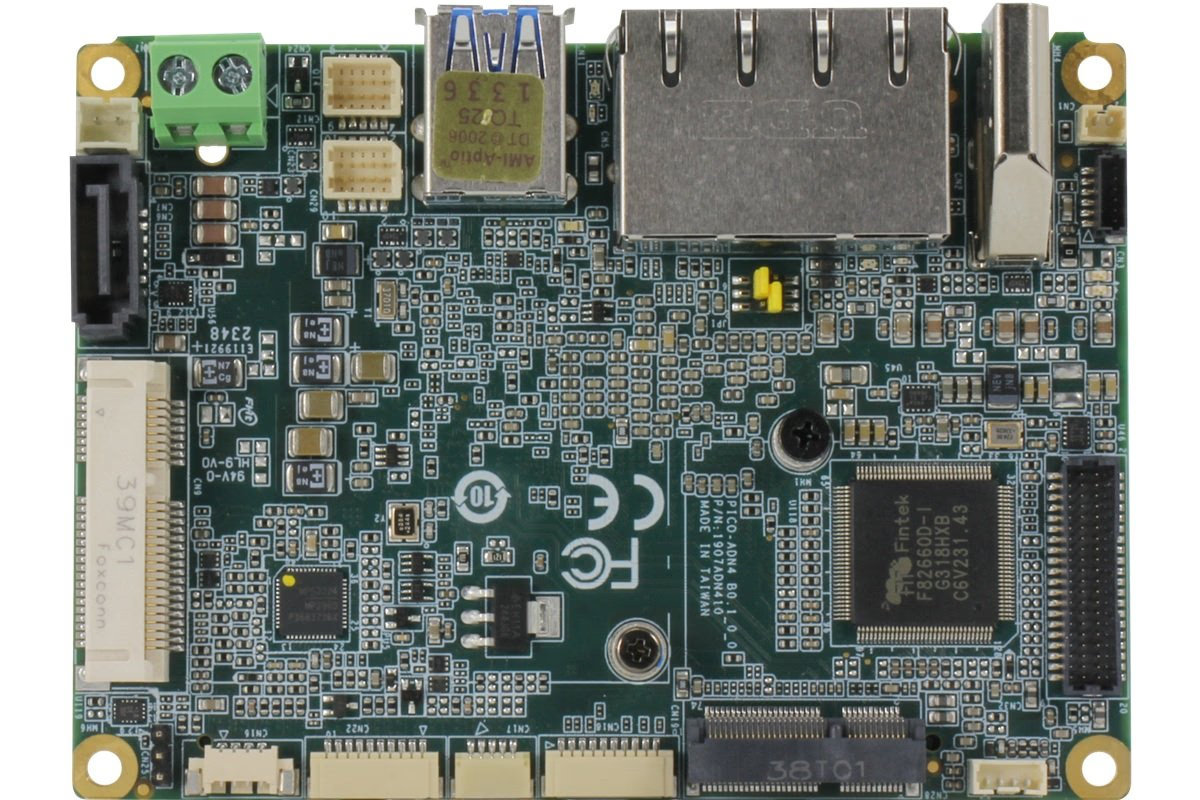
The AAEON PICO-TWL4 Rev.B is a Pico-ITX board offering a choice between Intel Processor N150 (6W) or Core 3 Processor N355 (15W). It features dual LAN (2.5GbE + GbE), mSATA + SATA storage, and +12V Phoenix terminal block power input—designed for industrial edge devices.