FriendlyElec has released the NanoPi R76S. This ultra-compact SBC combines the Rockchip RK3576 with dual 2.5GbE, specifically designed for router and NAS applications. With a compact 58×58mm board featuring an easy WAN/LAN separation configuration, this is a compelling choice for those wanting to build an experimental home network router or lightweight NAS.
FriendlyElec has released the NanoPi R76S. Product information is available on the official store and official Wiki.
This ultra-compact SBC combines the Rockchip RK3576 with dual 2.5GbE, specifically designed for router and NAS applications.
The compact 58×58mm board appeals to those wanting to build an experimental home network router, but note the trade-offs: M.2 is not for NVMe and GPIO is limited to 8-pin FPC.
microSD (UHS-I), eMMC 64GB (SKU selection, also available without)
Wireless
M.2 SDIO Wi-Fi/BT module support (sold separately)
Ethernet
2× 2.5GbE (RTL8125BG)
Video Output
HDMI Type-A (up to 4096×2304@60, 1080p@120 noted)
USB
USB 3.x Type-A (Gen1 equivalent noted)
Expansion
M.2 Key-E equivalent (for SDIO), 8-pin FPC GPIO
Dimensions/Weight
58×58×1.6mm, approx. 37.5g (board only)
Power
USB-C 5V input (10W+ recommended)
Supported OS
FriendlyWrt, Ubuntu, Debian, Android, etc.
RK3576 (8-core) + Dual 2.5GbE + USB-C power packed into a 58×58mm ultra-compact board designed for router/NAS applications.
However, note that M.2 is designed for SDIO Wi-Fi/BT rather than NVMe, so those expecting storage expansion should verify this before purchasing.
Features
SoC/CPU
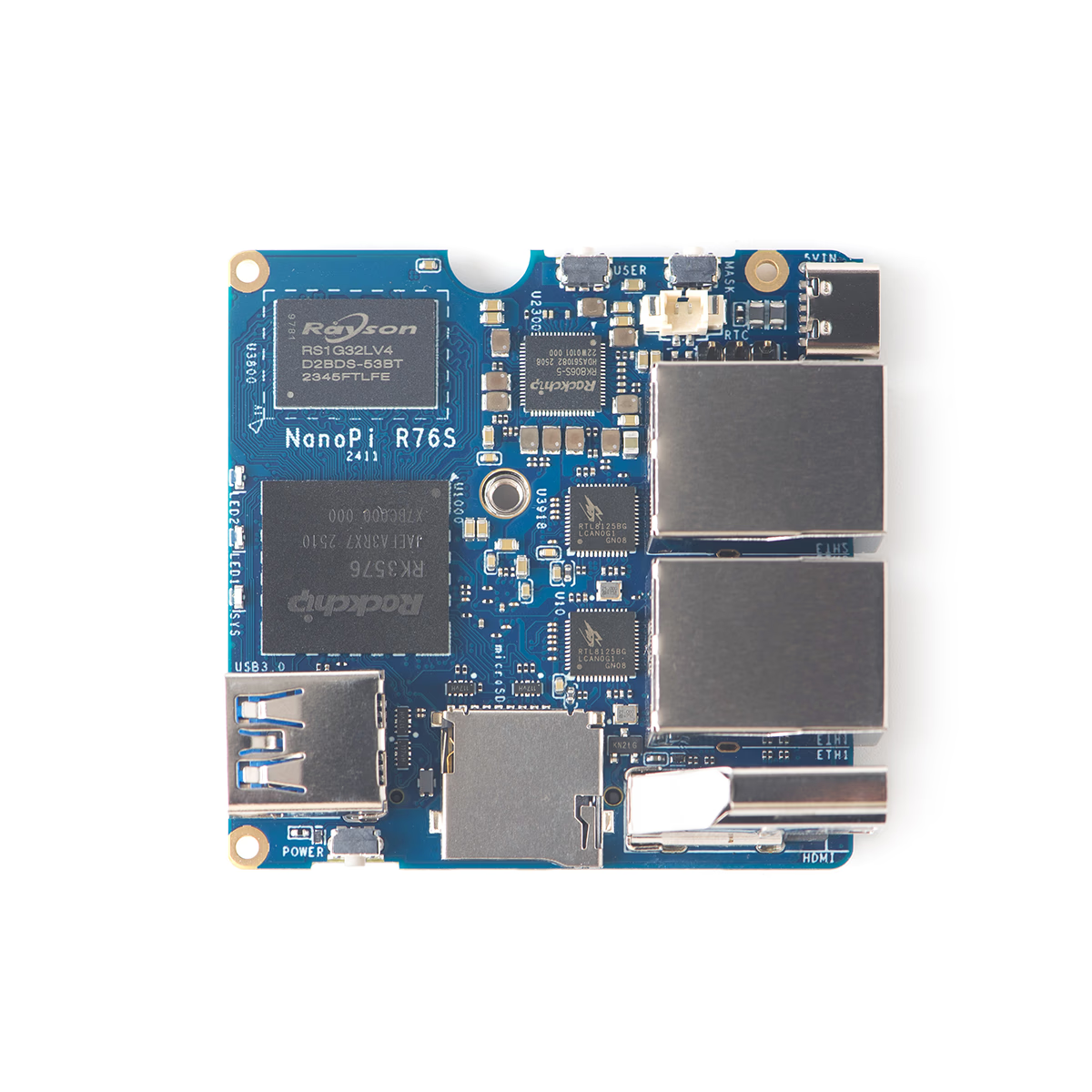
The heart of the NanoPi R76S is the Rockchip RK3576. It features an 8-core configuration combining four Cortex-A72 cores (high-performance) with four Cortex-A53 cores (power-efficient), providing ample headroom to run router functions while adding lightweight NAS services or VPN.
The GPU is Mali-G52 MC3, supporting lightweight graphics processing and hardware encoding. The NPU is listed at up to 6 TOPS, but if you plan to use NPU on an SBC, what matters is whether the OS image has NPU runtime support. It’s safer to check the update status of official images like FriendlyWrt or Ubuntu before making decisions.
Power and Thermal Design
Power is clearly specified as USB-C with 5V input only. The official Wiki recommends a “USB-C PD charger (10W+)”, so using a quality 5V adapter and cable is fundamental for stable operation.
The implementation density around the SoC is high, so thermal design should be considered together with the enclosure.
For thermal management, a dedicated CNC enclosure (optional) is available. Fan connector presence cannot be confirmed from official sources, so realistically assume passive cooling with the enclosure. Operating temperature is listed as 0-70°C.
Memory and Storage
Memory is available in 3GB and 4GB LPDDR4X configurations from the official store. While “LPDDR5 16GB” appears in specifications, it’s not visible in SKU options, so verify carefully when purchasing.
Storage uses microSD (UHS-I) boot as standard, with eMMC either 64GB or none depending on SKU. The official Wiki has a Getting Started guide covering installation, flashing, and recovery procedures.
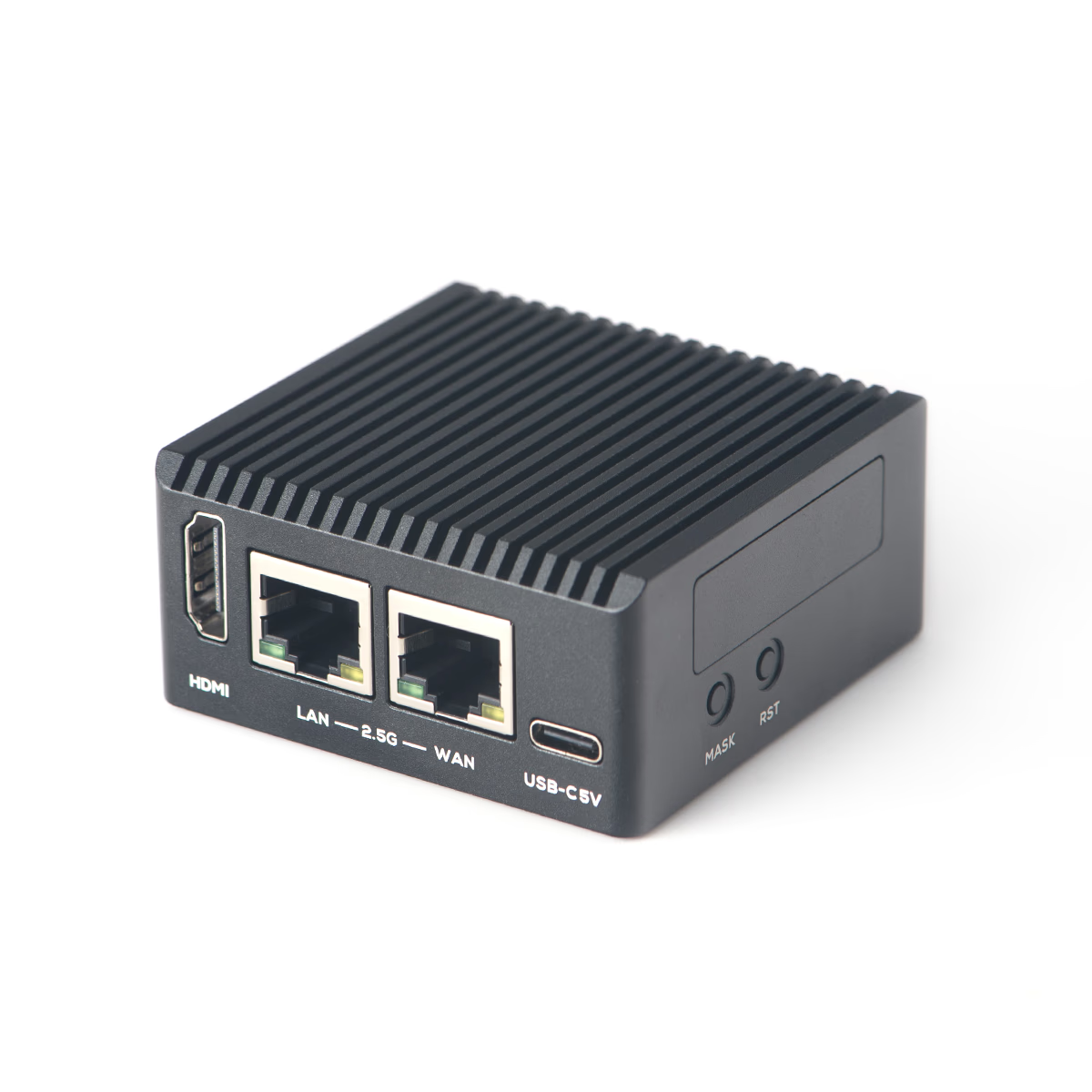
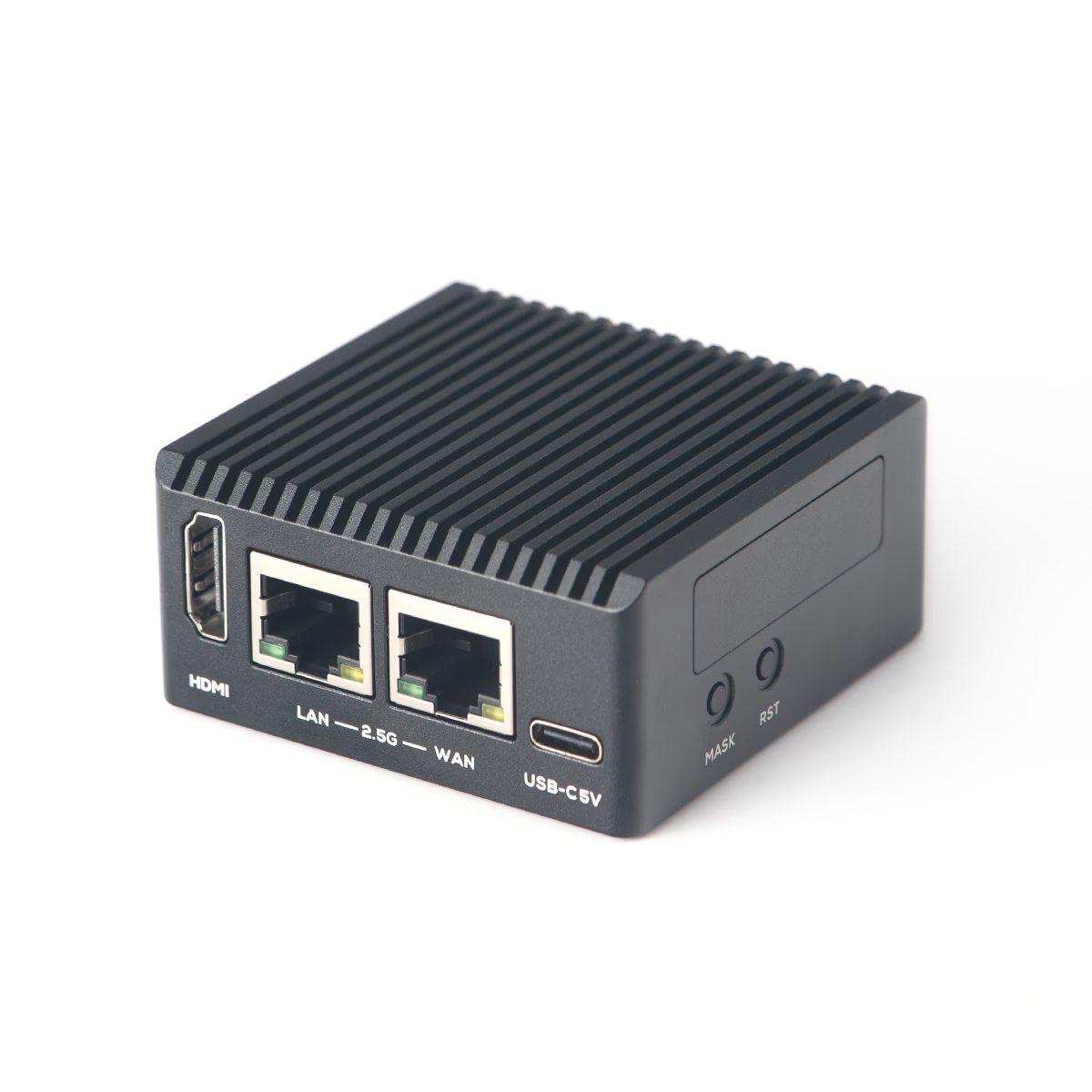
HDMI, dual RJ45, and USB-C are consolidated on one side for clean cable management.
Looking at the port side, you can see the “router-focused” design with HDMI (Type-A), dual RJ45 (2.5GbE), and USB-C power. This layout makes WAN/LAN separation wiring easy and keeps cables organized whether on a desk or in a permanent installation.
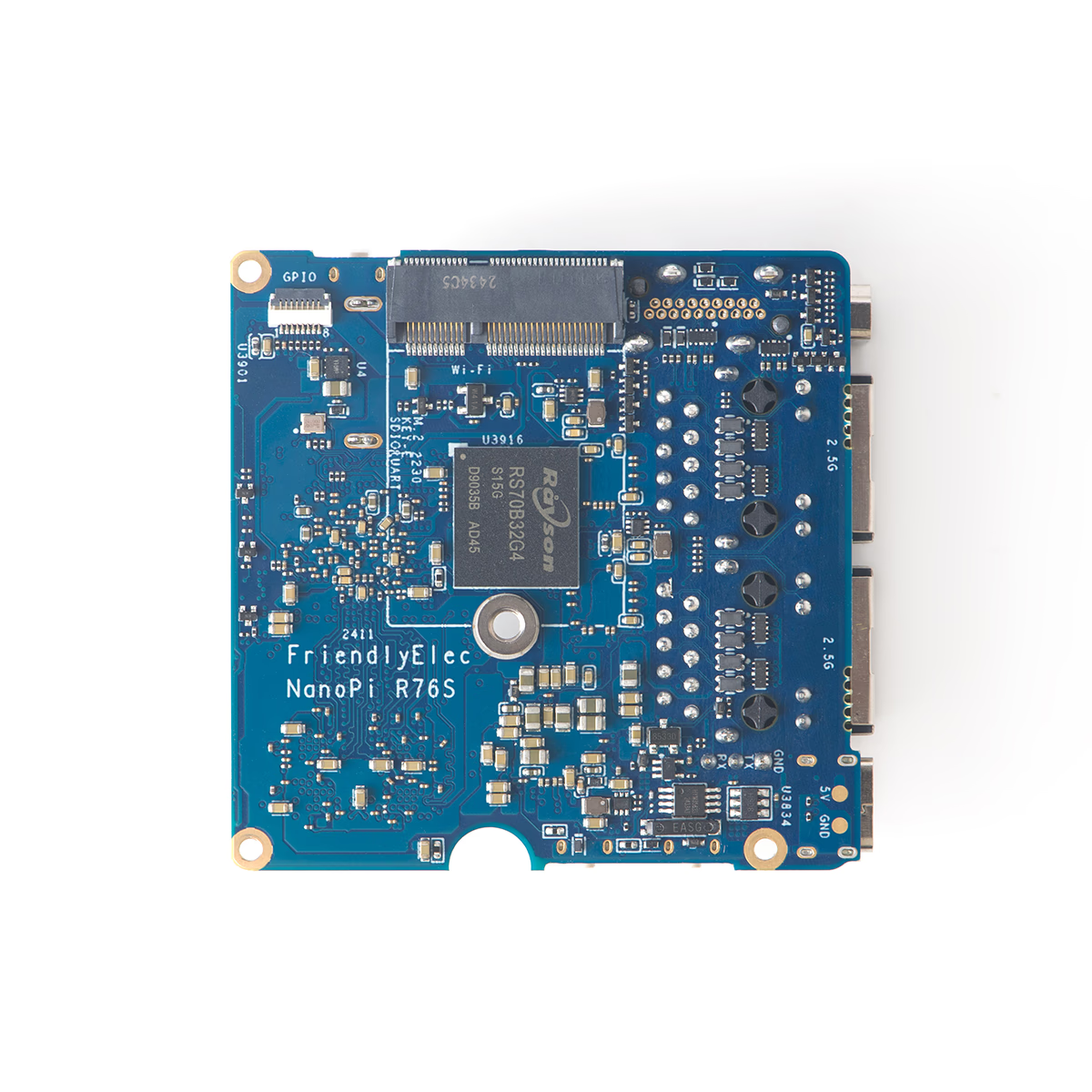
The board bottom shows thermal pad positions, revealing the CNC enclosure mating design.
The board bottom shows mounting points and thermal pad placement. The design assumes combination with the CNC enclosure, with the bottom surface positioned close to the enclosure.
Additional Details
Expansion (M.2/GPIO)
M.2 is described as “for SDIO Wi-Fi/BT modules” and differs from typical NVMe-oriented M.2 (Key-M). Misunderstanding this will lead to frustration when trying to insert an NVMe SSD.
PCIe generation and lane count (x1, x2, etc.) are not officially specified. However, since 2.5GbE (RTL8125BG) uses PCIe implementation, it’s realistic to consider this a “network-focused design” rather than an SBC for external PCIe expansion.
GPIO uses an 8-pin FPC (0.5mm pitch) connector, not the common 40-pin header compatible format. Voltage is 3.3V, ADC is 0-1.8V, and VCC_3V3_S3 has a 300mA maximum rating. For embedded applications, verify first whether the minimal GPIO meets your requirements.
Networking
Dual 2.5GbE directly enables router (WAN/LAN separation) configurations or simple NAS (2.5GbE uplink + 2.5GbE client) setups. This design appeals to those who want to fully utilize two 2.5GbE ports for a “portable experimental router.”
Video Output
The HDMI output is useful for those who want to complete initial setup with a display. Resolution and refresh rate (up to 4096×2304@60, 1080p@120) are affected by OS and drivers, so treat official maximum values as “upper limits.”
OS Support
Official support includes FriendlyWrt, Ubuntu, Debian, Android, and more. Images can be downloaded from the official download page (http://download.friendlyelec.com/NanoPiR76S).
Summary
The NanoPi R76S, with its RK3576 (8-core) + dual 2.5GbE configuration, is an SBC tailored for “router/gateway + lightweight NAS” applications.
It’s ideal for those who want to build a home router or network experimentation device using two 2.5GbE ports. The compact 58×58mm size and optional CNC enclosure also make installation easy.
Conversely, it’s not suitable for those expecting NVMe expansion or general-purpose development with 40-pin GPIO. M.2 is for SDIO Wi-Fi/BT rather than NVMe, and GPIO is limited to 8-pin FPC, so those seeking general SBC expandability will find it too specialized.
Personally, I feel this appeals to those who want to fully utilize two 2.5GbE ports for a “portable experimental router,” while those seeking general SBC expandability (NVMe, 40-pin GPIO, PCIe expansion) will find the trade-offs significant.
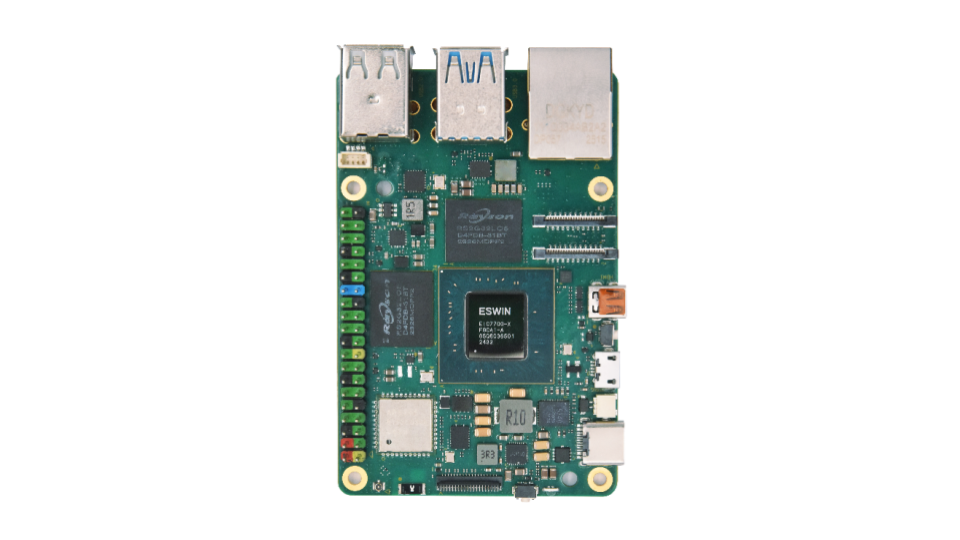
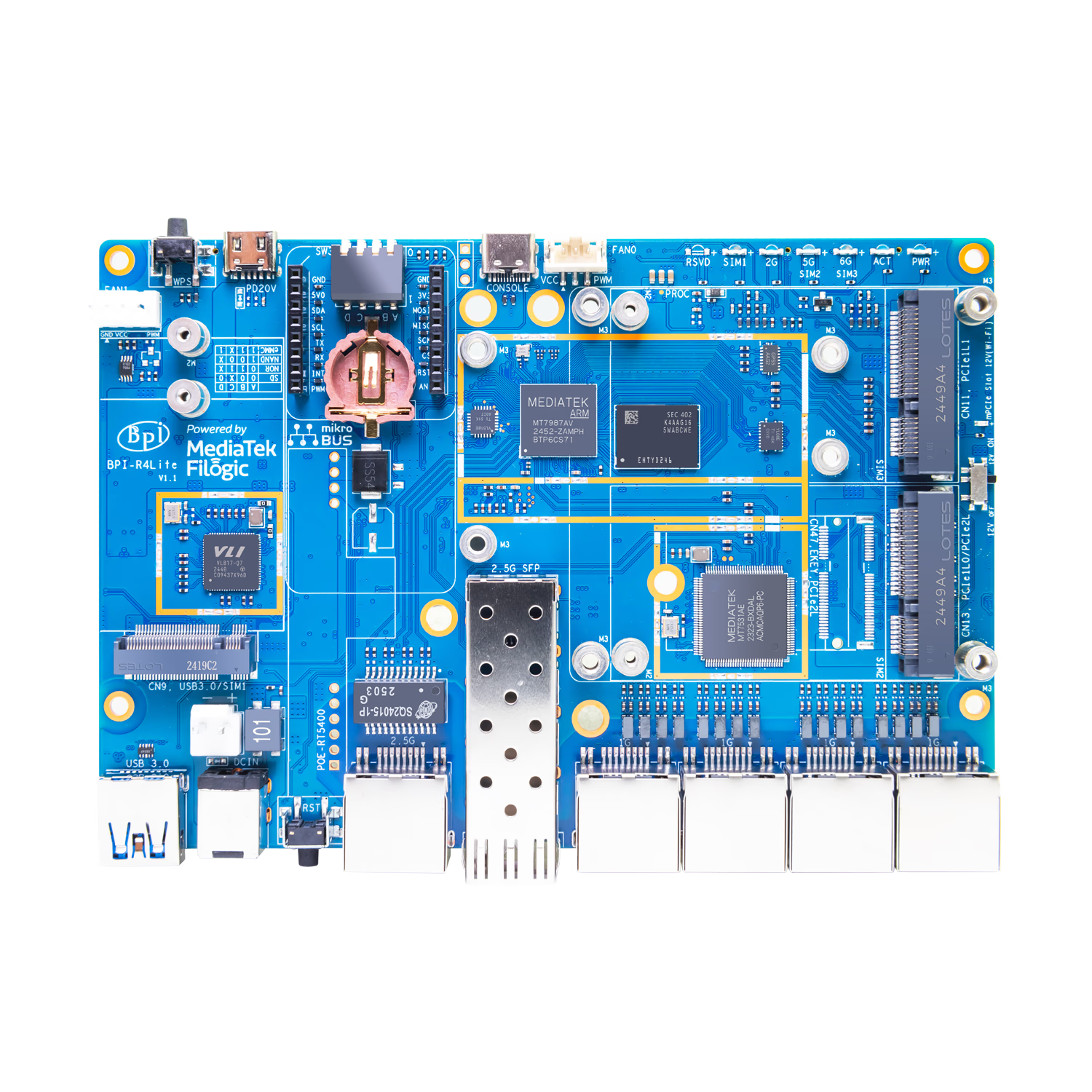
As of December 31, 2025, Banana Pi has published official documentation for the Banana Pi BPI-R4 Lite. This router-oriented board features a MediaTek MT7987A SoC with 2.5GbE SFP, 2.5GbE WAN, and four 1GbE LAN ports. While Wi-Fi 7 and 5G can be added via expansion slots, the M.2 slot is not designed for NVMe and there are USB 3.0 simultaneous usage limitations—points worth noting before purchase.
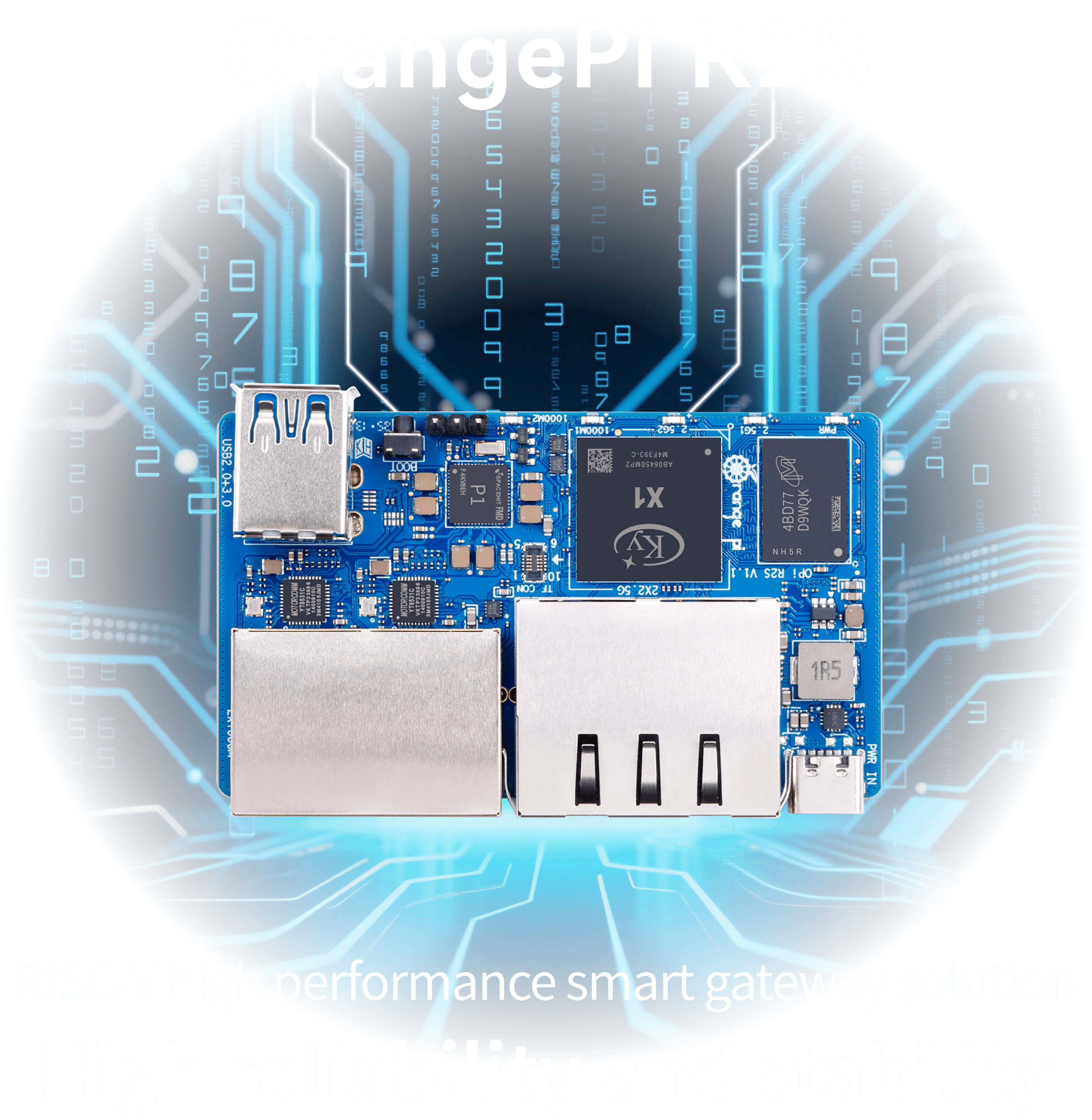
Orange Pi R2S is a network-focused RISC-V SBC featuring two 2.5GbE and two 1GbE ports. Powered by the Ky X1 8-core CPU, this high-value gateway device is available starting from around $30.
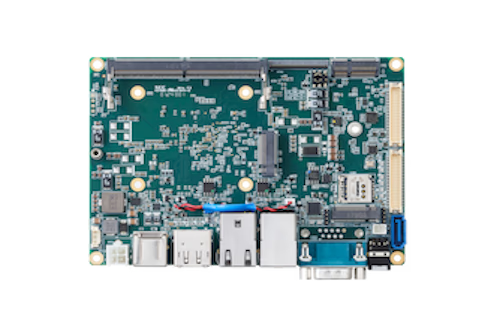
ZimaBoard 2 is a highly expandable single-board server featuring an Intel N150 processor, dual 2.5GbE ports, and a PCIe slot. Perfect for NAS and home lab builds, it embodies the DIY spirit.
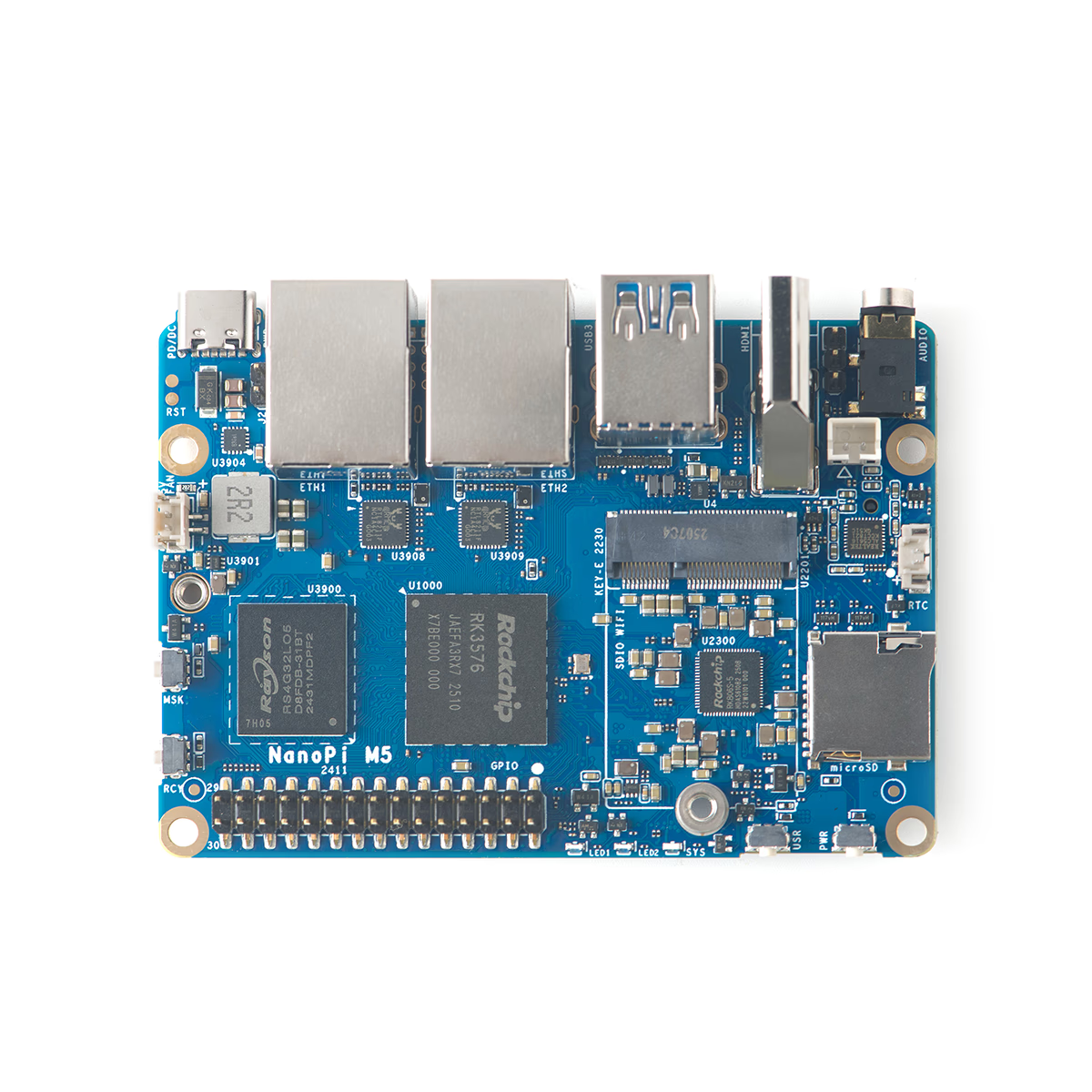
The NanoPi M5 from FriendlyElec is a compact 90×62mm SBC powered by the RK3576 with a 6 TOPS NPU, dual 1GbE ports, and an M.2 NVMe slot. With USB-C power input (6–20V, PD/DC), it offers flexible power options—ideal for router, NAS, or edge AI applications.