youyeetoo R1 - Card-sized SBC with RK3588S + 6TOPS NPU. M.2 for NVMe/SATA, Understand Revision Differences Before Buying
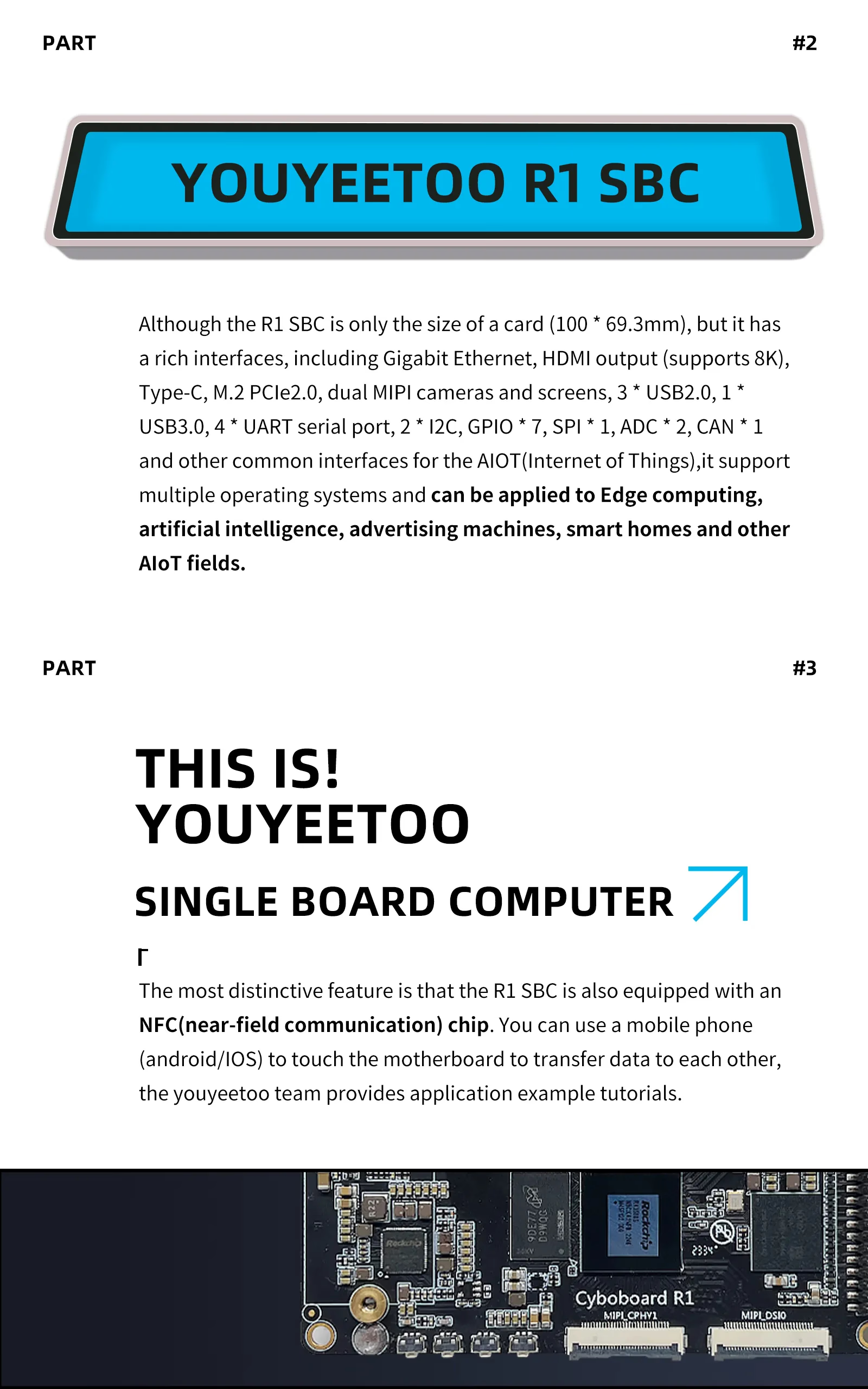
youyeetoo has released the "youyeetoo R1". This AIoT-oriented SBC packs an RK3588S (8-core, up to 2.4GHz), 6TOPS NPU, and M.2 (NVMe/SATA) into a 100×69.3mm card-sized form factor. However, the revision (v3 or earlier) affects M.2 size support and USB 3.0 simultaneous use restrictions, so verification before purchase is essential.
youyeetoo has released the youyeetoo R1. Product information and procedures are available on the official store and official Wiki.
This unit is an AIoT-oriented SBC that packs an RK3588S (8-core, up to 2.4GHz) and 6TOPS NPU into a 100×69.3mm card-sized form factor, along with M.2 (NVMe/SATA) and even HDMI-IN equivalent functionality.
However, revision differences (v3 changes, USB 3.0 and M.2 simultaneous use restrictions on pre-v3 versions) are explicitly stated on the official store, making pre-purchase reading essential.
12V input (DC jack 5.5×2.1mm, 12V/3A) or 2-pin (2.54mm)
Cooling
Heatsink included (depending on configuration) + 5V 3-pin (1.25mm) fan connector
Supported OS
Android/Debian/Ubuntu/OpenHarmony (official distribution and procedures available)
RK3588S + 6TOPS NPU + HDMI 2.1 (8K capable) packed into a 100×69.3mm card-sized edge AI and video processing SBC.
Both NVMe/SATA and Wi-Fi/BT can be expanded via M.2, and it even includes HDMI-IN equivalent input capability, but revision differences (M.2 size, USB 3.0 simultaneous use restrictions) need to be verified before purchase.
Features
SoC/CPU
The RK3588S is an 8nm, 8-core configuration (Cortex-A76×4 + Cortex-A55×4, up to 2.4GHz), essentially a version of the “higher-end RK3588 SoC” with some I/O trimmed. It integrates a Mali-G610 MP4 GPU and up to 6TOPS NPU (INT4/INT8/INT16 supported), designed with AI inference and 8K video output in mind.
The primary documentation states “TensorFlow/MXNet/PyTorch/Caffe RKNN support” for the NPU, but actual operational support depends on the OS image and RKNN toolkit. Verification of official procedures and distributions is necessary according to your project requirements.
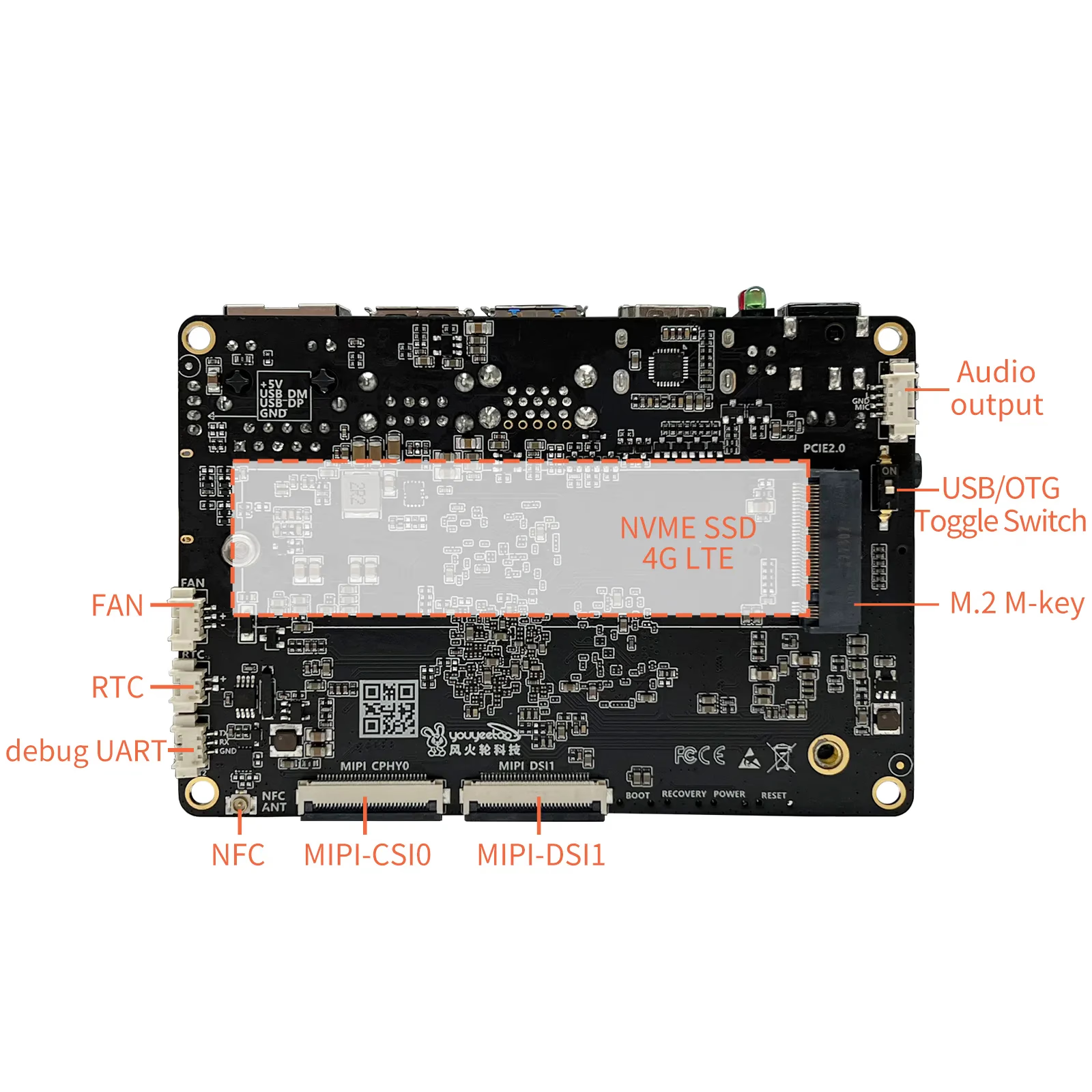
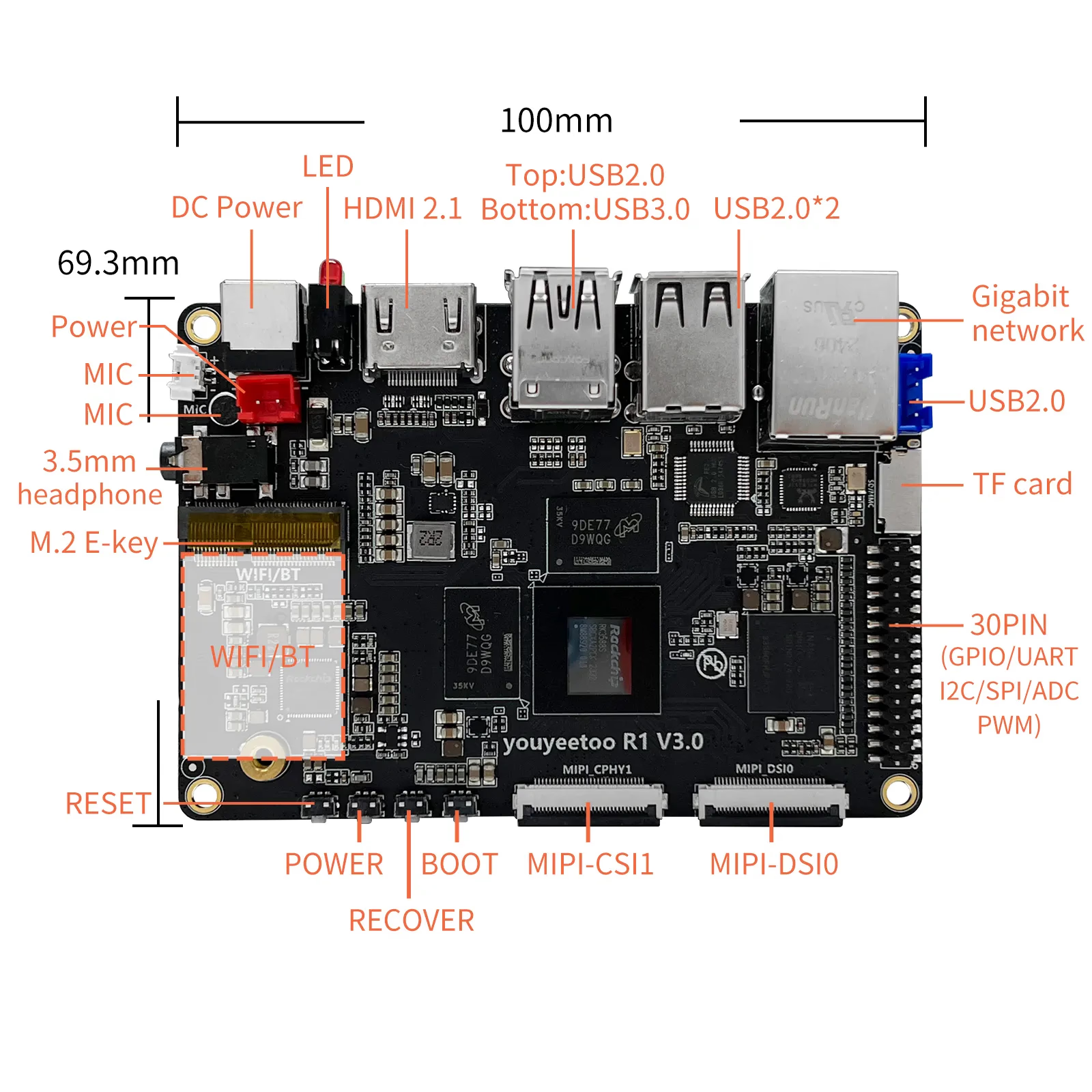
The M.2 configuration consists of 2 slots: M.2 E-Key (2230, for Wi-Fi/BT) on the top side and M.2 M-Key (2242, for NVMe/SATA) on the bottom side. The revision differences are important to note here.
The official store states “v3 supports 2280 size,” and further clarifies that “pre-v3 versions cannot use USB 3.0 and M.2 M-Key (2242) simultaneously (pin sharing).” If you plan to use NVMe as your primary storage, you need to design around USB 3.0 usage (Host/Device and simultaneous use) as well.
PCIe is listed as PCIe 2.0 (Gen2) on the M.2 (M-Key) side. When selecting NVMe SSDs, it’s practical to estimate specs based on Gen2 link speeds.
Memory and Storage
Memory is LPDDR4, selectable from 4GB/8GB/16GB/32GB configurations. eMMC is also selectable from 32/64/128/256GB, allowing capacity to be fixed according to use case.
The official primary documentation explicitly shows two boot media options: “write to microSD (TF)” and “write to eMMC,” making it easy to follow a workflow of first confirming boot from TF → then deploying to eMMC. Official Download/Google Download links are provided on the official procedure pages, so while distribution sources and versions may change, the pathways are established.
GPIO
The GPIO is not Raspberry Pi compatible 40-pin, but rather a 30PIN expansion header (PH2.0mm). Documentation lists I2C×3, UART×3, CAN×1, PWM×1, ADC×2, GPIO×7, etc.
An important note regarding voltage: GPIO defaults to 3.3V, and 1.8V support requires BIOS configuration changes. Be sure to verify this before directly connecting to external circuits.
The form factor is card-sized at 100×69.3mm (23mm thickness), with HDMI, USB-A ports, RJ45, and DC jack arranged on one edge. The wiring layout is straightforward.
With a 23mm thickness specification, connector height and interference need to be checked when stacking or fitting into slim enclosures. Connector placement may vary by revision (v3, etc.), so also read the notes on the purchase page.
Additional Information
Networking
Wired connectivity is GbE (RJ45), serving as a foundation for edge devices, small servers, and gateway applications. Wireless is not fixed on-board but centered on M.2 (E-Key) expansion, so it’s prudent to factor in availability (module stock) and certification requirements together.
4G LTE is mentioned as expansion via M.2 (M-Key) side, but requires an adapter.
Video
Video output includes HDMI 2.1 (up to 8K60Hz) plus MIPI DSI×2 and MIPI CSI×2. There’s also HDMI-IN (input to CSI side via RK628D conversion, up to 4K60 YUV420) documentation.
This is appealing for embedded applications wanting to combine “camera + display,” but it’s safest to gradually work through peripheral compatibility (FPC, conversion boards, drivers) following official documentation.
Power and Cooling
Power assumes 12V input (DC jack 5.5×2.1mm, 12V/3A, or 2-pin 2.54mm pitch). USB-C power delivery is not assumed, so it’s safe to finalize wiring and power capacity requirements first.
Cooling options include purchase configurations with included heatsink, and fan speed adjustment is possible via the 5V 3-pin (1.25mm) fan connector. For applications with high enclosure or installation density, designing thermal management with heatsink + fan is practical.
OS
Official OS distributions and procedure pages are available for Android/Debian/Ubuntu/OpenHarmony, etc. Since distribution sources and versions change, verify the final update and OS/kernel/driver compatibility before deployment.
Armbian is also available as a third-party option listed as “Community maintained,” but notes regarding boot media and eMMC erasure are clearly stated. Staged evaluation is recommended.
Summary
The youyeetoo R1 is an AIoT-oriented SBC that packs RK3588S + 6TOPS NPU, M.2 (NVMe/SATA), and even HDMI-IN equivalent functionality into a card-sized (100×69.3mm) form factor.
It’s suited for those considering edge AI and video processing applications with M.2 (NVMe/SATA) as the primary storage expansion. It’s not suited for those expecting Raspberry Pi compatible 40-pin GPIO, or those wanting to use USB 3.0 and NVMe simultaneously (on pre-v3 versions).
Personally, the appeal lies in using M.2 (NVMe/SATA) as the “primary storage expansion.” However, since hitting USB 3.0 simultaneous use restrictions can break your design, I recommend choosing v3 as a baseline (verify at purchase).
The official store offers a purchase format where you select RAM/eMMC capacity and kits (cases, etc.), so prices and availability fluctuate.
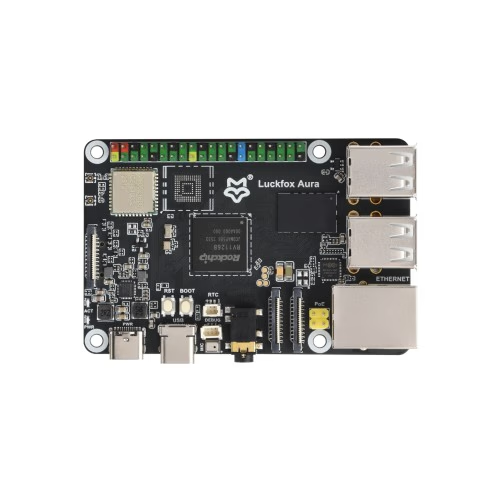
LUCKFOX released the "Luckfox Aura". Powered by RV1126B with 3TOPS NPU and Dual MIPI CSI inputs, it's a small Linux SBC dedicated to edge AI vision. With Wi-Fi 6 and PoE support, it's perfect for surveillance, object detection, and robotics.
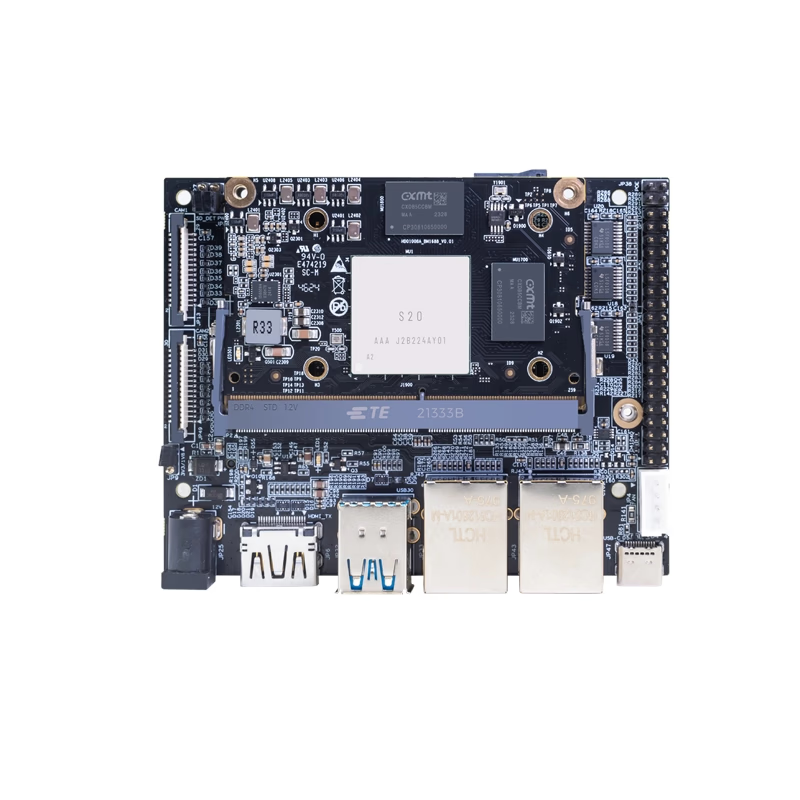
Banana Pi has released product information for their AI-focused core module "Banana Pi BPI-SM9". Equipped with SOPHGO BM1688 and rated at up to 16 TOPS (INT8), the official documentation emphasizes video analytics applications such as decoding and analyzing multiple HD video streams. However, there are inconsistencies in official sources regarding power (5V/12V), dimensions, and GbE port count, so verify whether you are purchasing the module alone, IO board, or kit before ordering.
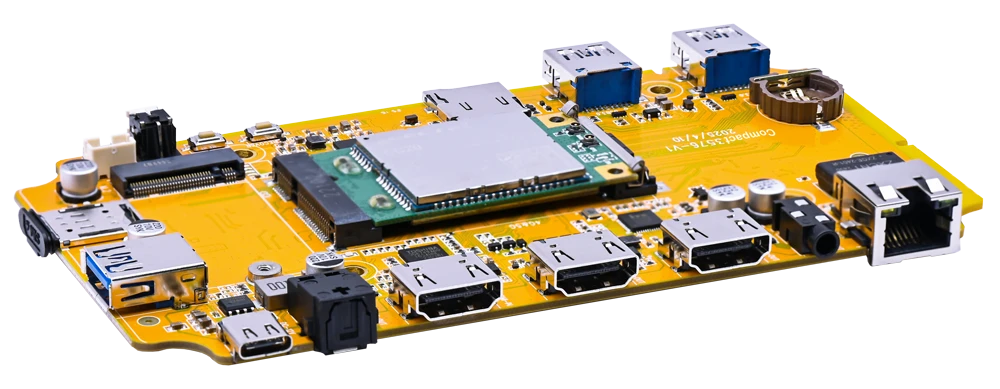
Boardcon Embedded Design has announced the Boardcon Compact3576, featuring the Rockchip RK3576. This modular design separates the SoM and baseboard, targeting mass production and derivative board development. However, at the time of writing, official page information was insufficient, so verifying power, boot, and expansion details before purchase is essential.
Radxa has published the product page and official documentation for the "Radxa Cubie A7Z." This ultra-compact SBC packs an Allwinner A733 (Cortex-A76×2 + Cortex-A55×6) and a 3 TOPS-class NPU into a 65×30mm form factor, complete with Wi-Fi 6 and Micro HDMI. However, wired LAN and M.2 require expansion, and PCIe is limited to Gen3 x1 via FPC, so checking whether it fits your use case beforehand is recommended.