Arduino UNO Q Specs Review: Debian Linux on an Arduino Board
Arduino announced the "Arduino UNO Q" on October 7, 2025. This UNO-form development board features a "dual-brain" architecture running Debian Linux on a Qualcomm Dragonwing QRB2210 while also supporting Arduino-compatible (Zephyr) development via an STM32U585. With a streamlined single USB-C port design, it can serve as an SBC, but note that a USB PD (Power Delivery) compatible dongle is required—there are some points to verify beforehand.
Arduino announced the Arduino UNO Q on October 7, 2025. Product information is available on the official blog, product page, documentation, and official store.
This board features a “dual-brain” architecture running Debian Linux on a Qualcomm Dragonwing QRB2210 while also supporting Arduino-compatible (Zephyr) development via an STM32U585 MCU.
With a streamlined single USB-C port design, it can serve as an SBC (Single Board Computer), but note that a USB PD (Power Delivery) compatible dongle is required—there are some points to verify beforehand.
Debian Linux (MPU side), Zephyr OS (MCU side: Arduino Core)
Containers
Docker and Docker Compose support noted
Size
68.85×53.34mm (UNO form factor)
This hybrid development board packs a “dual-brain” architecture—a Qualcomm MPU running Debian Linux alongside an Arduino-compatible MCU—into the UNO form factor of 68.85×53.34mm.
However, for SBC use, peripheral I/O relies on a USB-C dongle, and choosing the wrong dongle can prevent the board from booting.
Features
The “Dual-Brain” Architecture Is the Main Selling Point
The core of UNO Q is its configuration with an MPU (QRB2210) capable of running Linux (Debian) and a real-time MCU (STM32U585) on the same board.
This type of board makes it easy to divide responsibilities: the Linux side handles networking, UI, log collection, and container execution, while the MCU side handles timing-critical I/O and low-power continuous monitoring.
According to the official store description, Arduino App Lab comes pre-installed, enabling integrated handling of Arduino sketches, Python, and containerized AI models.
Think of it as a board designed to bridge the gap between “Arduino alone struggles with heavy processing” and “Linux SBCs make I/O management cumbersome.”
Key to SBC Operation: USB-C Dongle Must Support PD
UNO Q consolidates external ports into a single USB-C. Keyboard, mouse, display output, USB devices, and wired LAN are all intended to be expanded through a USB-C dongle.
Important: the official FAQ explicitly states that a USB-C dongle with USB PD support and video output capability is required, and the board won’t boot without USB PD.
If you’re planning casual SBC operation, start by getting a USB-C hub with USB PD passthrough.
AI & Vision: Strong ISP, but Quantitative Comparison Is Difficult
An Adreno GPU and AI accelerator are listed, along with 2 ISP units.
For vision applications, stable input images and easy-to-build processing pipelines often matter more than inference itself, making this an interesting point.
However, quantitative values like TOPS for the AI accelerator are difficult to verify from primary sources alone, making direct comparison with other SBCs or external AI accelerators challenging.
Competitors include combining a Raspberry Pi 5 with Hailo-8L (13 TOPS) or RK3588-based SBCs (NPU ~6 TOPS class). That said, UNO Q’s distinctive feature is its UNO-form headers combined with an onboard MCU—ideal for those who want Linux applications and real-time I/O on a single board.
GPIO/Voltage: UNO-Compatible, but Direct Shield Use Is Risky
UNO-compatible headers are present, so legacy UNO shields can physically be mounted.
However, the datasheet indicates I/O is 3.3V, A0/A1 are not 5V compatible, and JCTL is 1.8V.
When reusing 5V-based legacy shields, plan for level conversion and signal compatibility verification.
Boot/Storage: eMMC-Based “Straightforward Boot”
Storage is 16GB onboard eMMC, and the official store notes “no SD card required.”
OS reflashing and updates are covered in official tutorials.
Expansion: Bottom High-Speed Connectors Are Attractive, M.2 and PCIe Unconfirmed
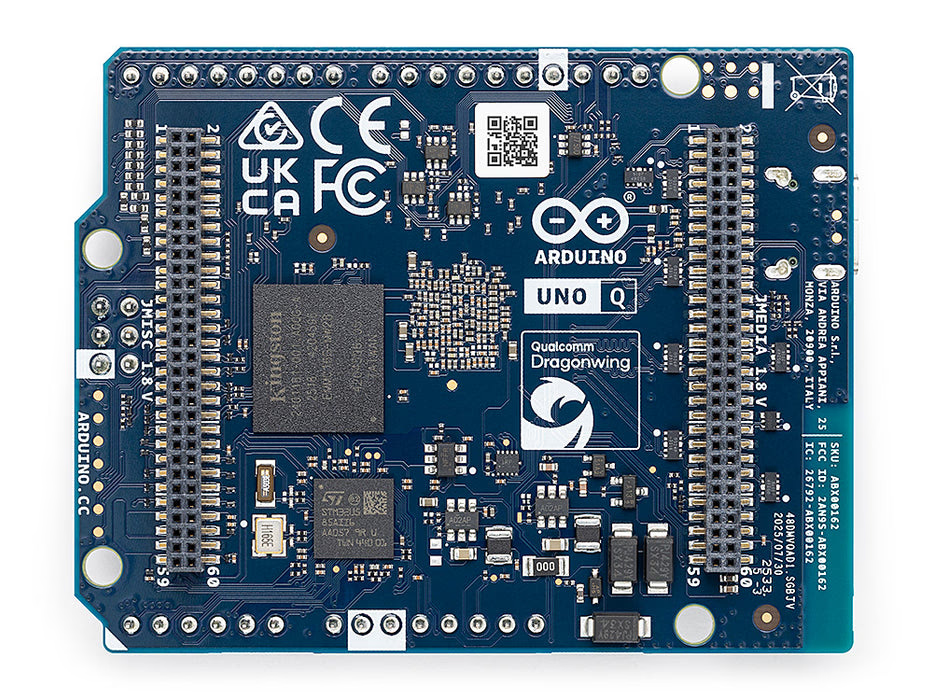
In addition to UNO-compatible headers, bottom high-speed connectors (JMEDIA/JMISC, etc.) enable expansion for cameras, displays, audio, and more.
However, at the time of writing, clear information about M.2 slots or PCIe (generation and lanes) could not be found in primary sources.
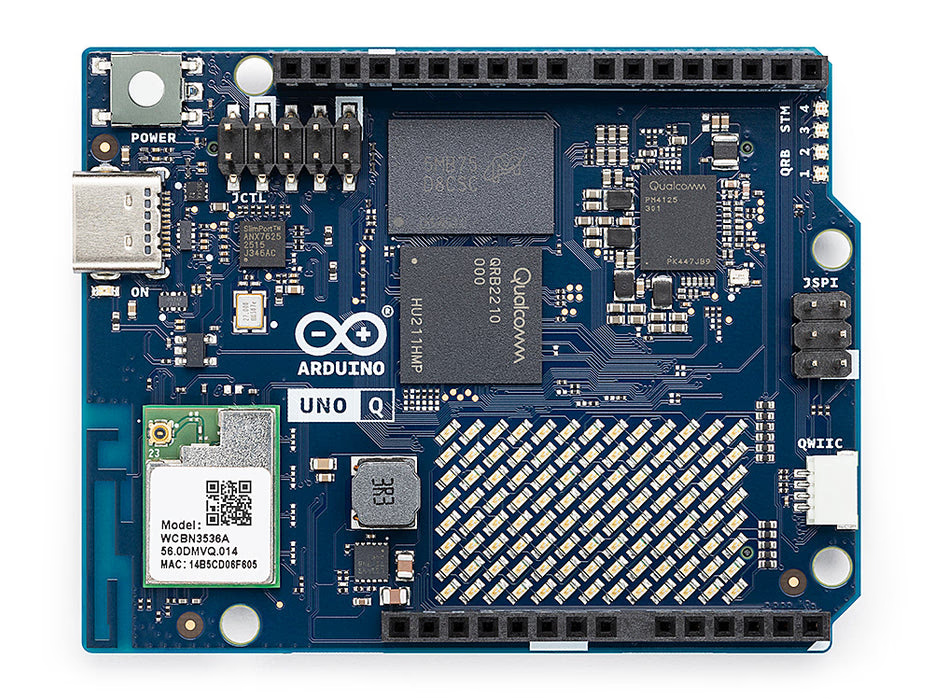
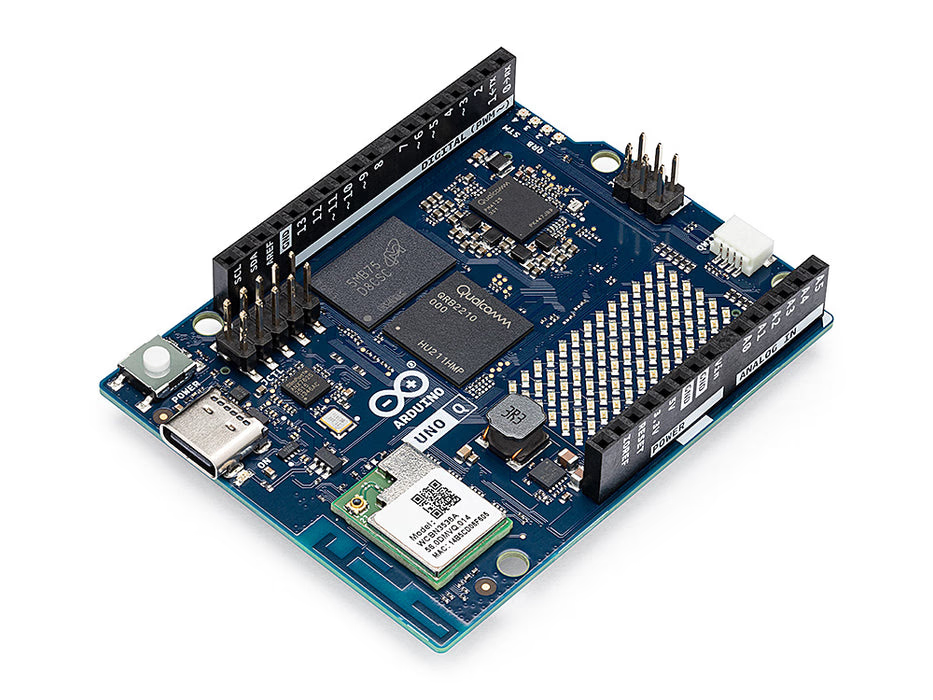
The top side shows UNO-compatible headers and Qwiic neatly arranged, giving it the familiar UNO feel.
Meanwhile, main chips are visible near the center, and the overall board aesthetic leans more toward “compact SBC” than “microcontroller board”—an interesting aspect.
The bottom side shows the high-speed connector group prominently implemented.
While maintaining the UNO shield-compatible world view, it also provides pathways for next-level expansion like cameras and displays.
USB-C is the only external port—power, peripherals, and video output all expand through a dongle.
For SBC operation, “choosing your dongle is essentially choosing your I/O.”
Conclusion
Arduino UNO Q is an SBC-oriented development board that combines the familiar expandability of the UNO form factor with an MPU capable of running Debian Linux.
The philosophy of consolidating everything into a single USB-C is clear, making it suitable for PC-connected development or simple SBC operation via dongle.
It’s ideal for those who want to use Linux apps, Python, and containers while offloading sensor and actuator control to the MCU side.
Conversely, for those who want to directly leverage legacy 5V UNO shield assets or prefer “SBC-like I/O” with HDMI and wired LAN built in, this board may be too specialized.
Prices vary by region and timing, but the official store lists a 2GB RAM / 16GB eMMC variant. For standalone operation (keyboard, mouse, and display via dongle), the official FAQ recommends a 4GB RAM variant (noted as coming soon).
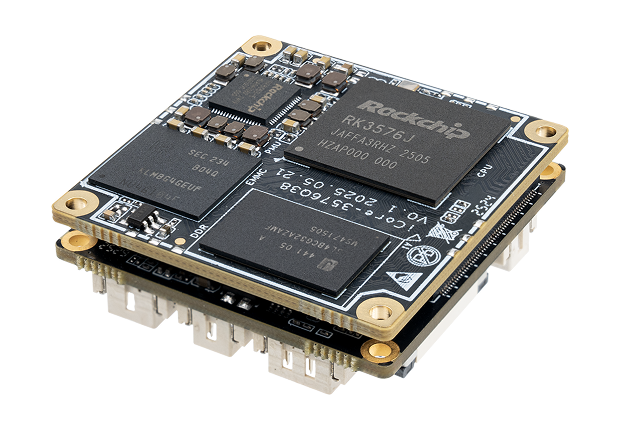
Firefly has announced the CAM-3576Q38, an ultra-compact Mini AI Mainboard. It packs the Rockchip RK3576 (4×A72 + 4×A53) and a 6 TOPS NPU into a 38mm square board, designed for embedded applications in industrial cameras and edge AI devices. With I/O primarily via FPC connectors, it is suited for custom designs intended for mass production.
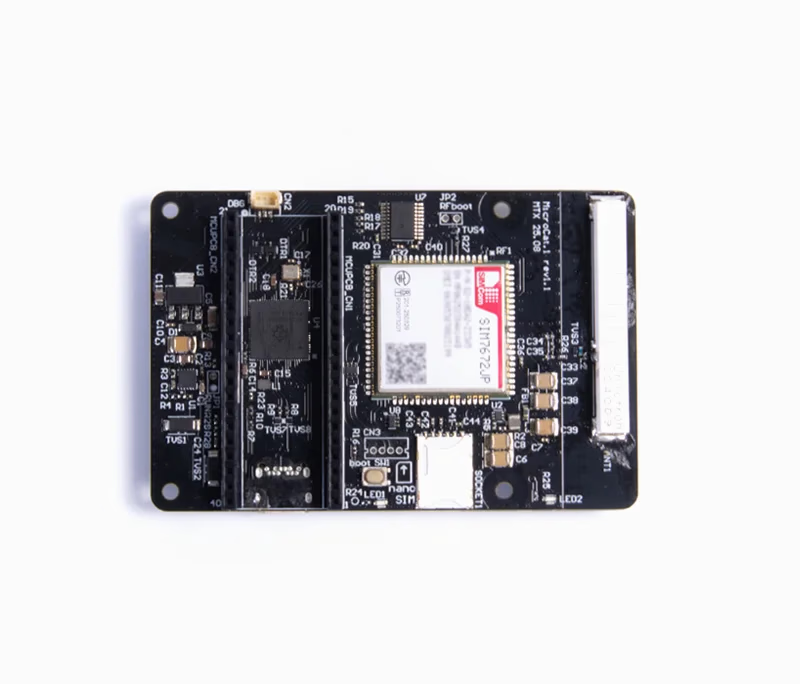
Mechatrax announced the "MicroCat.1 (Pre-release)". Integrating RP2350B + LTE Cat.1 bis module, it's a MicroPython microcontroller board for jumpstarting cellular IoT prototypes. Pre-flashed with PPP-enabled firmware, the ability to communicate right out of the box is its biggest appeal.
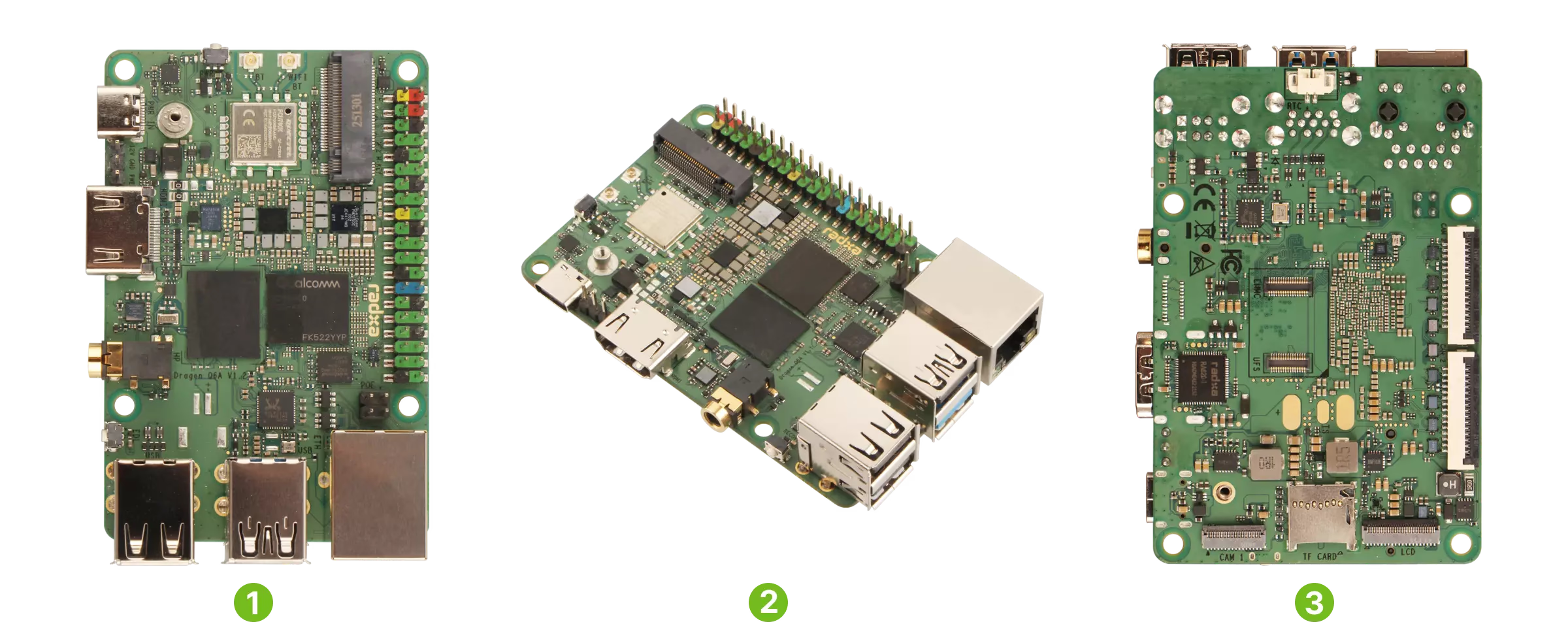
Radxa has published the "Radxa Dragon Q6A" on their official page and Product Brief (Rev 1.4, updated October 24, 2025). This industrial SBC packs Qualcomm QCS6490, Wi-Fi 6, Bluetooth 5.4, 3 MIPI CSI ports, and M.2 2230 NVMe into an 85×56mm form factor. However, AI performance and cooling requirements depend on OS/SDK and implementation conditions, so checking the official Docs before deployment is recommended.
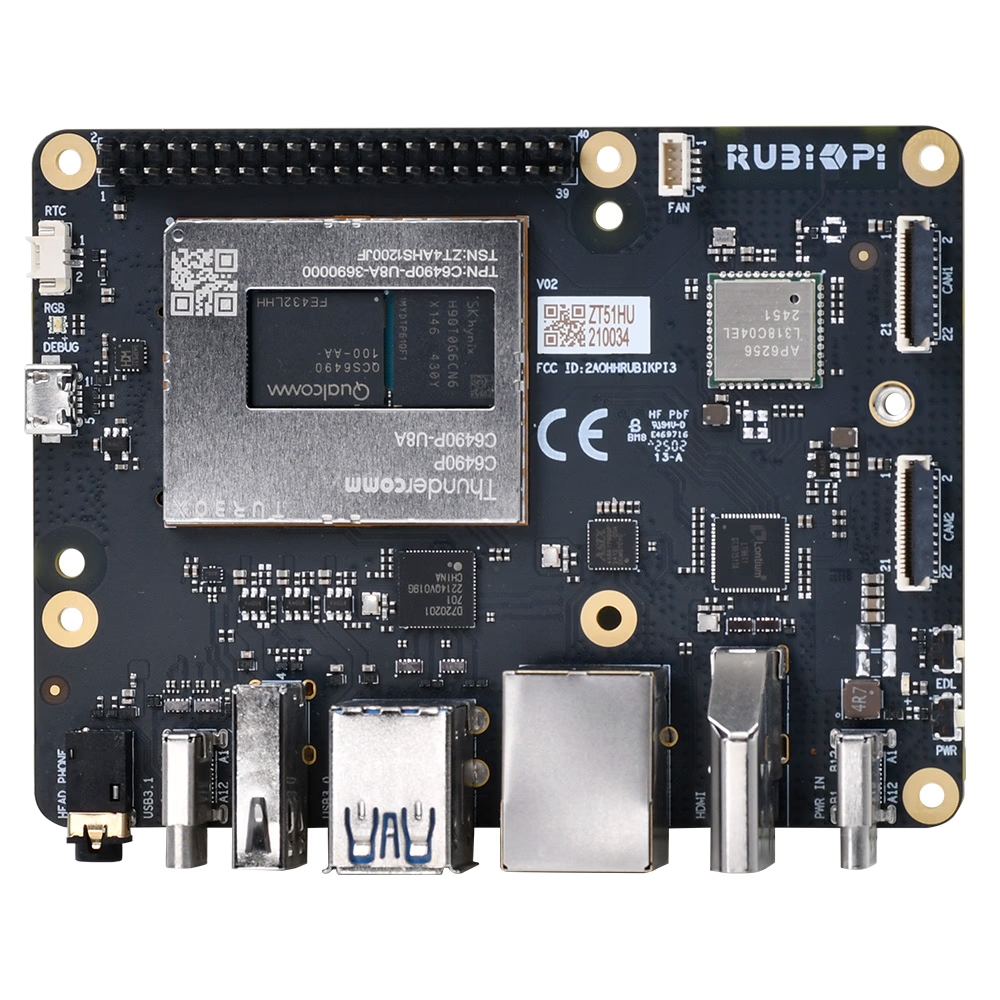
Thundercomm unveiled the RUBIK Pi 3 at CES 2025 on January 7, 2025. Featuring the QCS6490 (Dragonwing series) with up to 12.5 TOPS NPU and onboard 128GB UFS 2.2, this board stands out. However, with USB-C PD (recommended 12V 3A) power requirements and UFS-specific flashing procedures, understanding these before purchase is essential.