BeagleBoard PocketBeagle 2: Ultra-Compact SBC Powered by a Single USB-C
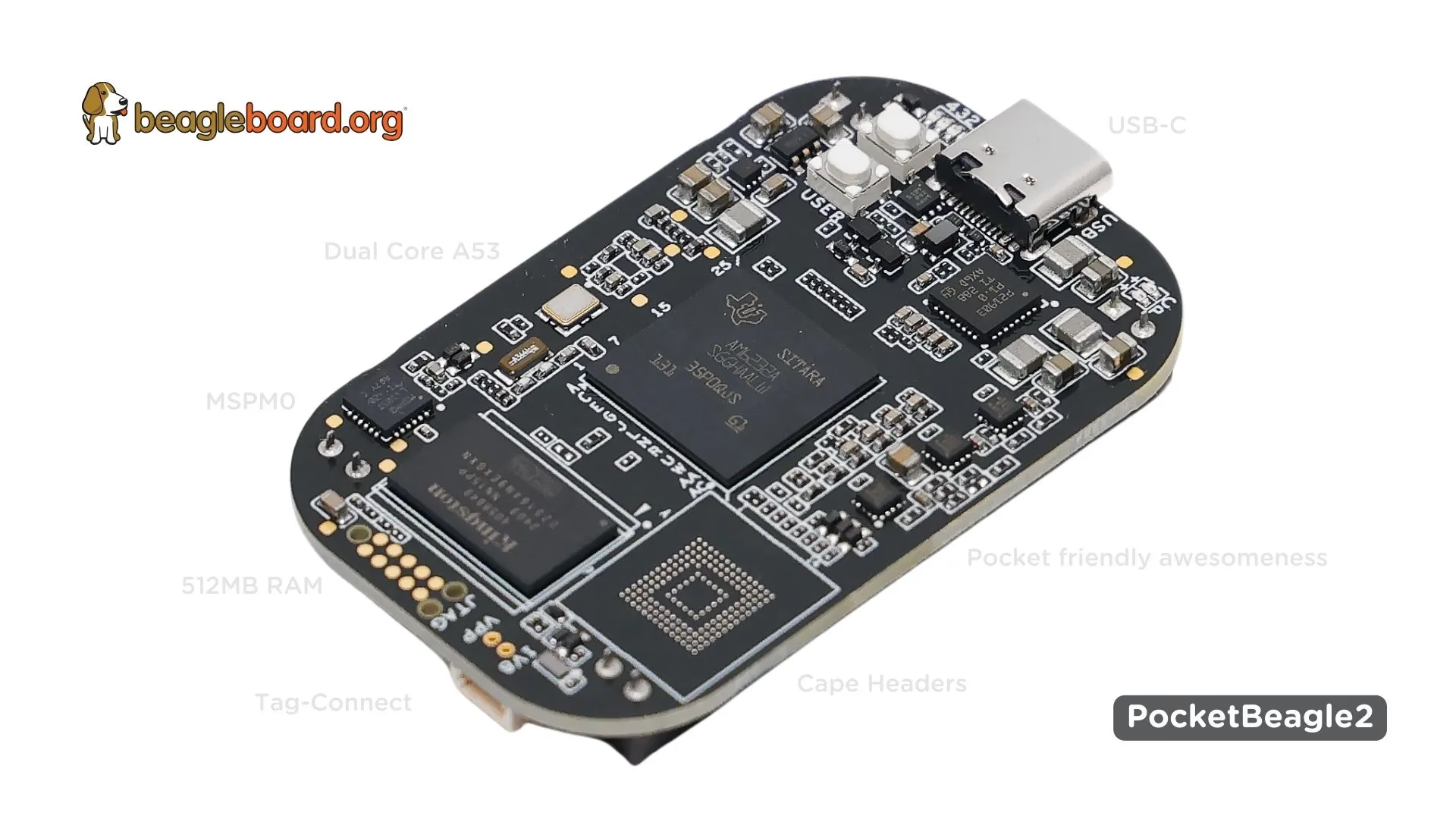
In February 2025, BeagleBoard.org released the ultra-compact SBC "PocketBeagle 2." It features the Texas Instruments AM6254 (quad Cortex-A53, up to 1.4GHz) in a 55×35mm, approximately 12.7g board. Simply connect it to your PC via USB-C to start development.
On February 3, 2025, BeagleBoard.org’s official blog announced the launch and availability of PocketBeagle 2. This ultra-compact SBC features the Texas Instruments AM6254 (quad Cortex-A53, up to 1.4GHz), and you can start development simply by writing an OS to a microSD card and connecting it to your PC via USB-C.
Despite its compact size of 55×35mm and approximately 12.7g—slightly smaller than a credit card—it features 72-pin expansion headers (P1/P2) designed with PocketBeagle classic compatibility in mind. However, video output and onboard Wi-Fi/wired LAN are not confirmed in official documentation, so it’s advisable to plan for I/O expansion from the start.
An ultra-compact SBC where power and connectivity are handled through a single USB-C cable, with microSD-based operation as standard. Its appeal lies in the ease of quickly starting development at your desk.
Features
SoC/CPU
PocketBeagle 2 is equipped with the Texas Instruments AM6254. With a quad Cortex-A53 running at up to 1.4GHz, the performance is modest, but it’s a definite generational improvement from the original PocketBeagle (AM3358, Cortex-A8).
Pay attention to board revisions: the current Rev A1 uses the AM6254 with GPU, while the initial Rev A0 uses the AM6232 without GPU. It’s advisable to choose Rev A1 when purchasing.
Memory and Storage
The 512MB memory is sufficient for running lightweight Linux distributions, but may be inadequate for resource-intensive GUI applications. The official documentation shows mixed DDR4 and LPDDR4 notation, making it difficult to definitively identify the type.
Storage is primarily microSD-based, and while there’s a footprint (mounting pads) for eMMC, it’s not populated by default. Official procedures using the bb-imager tool are available for writing OS images.
USB Tethering Development
The standout feature of PocketBeagle 2 is the ability to start development simply by connecting to a PC via USB-C. The PC recognizes it as a USB device, allowing direct access via SSH (e.g., 192.168.7.2).
Power is supplied via USB-C at 5V@1A, eliminating the need for a separate development power adapter. Of course, you can also power it through the VIN on the expansion headers.
Expandability
It features 72-pin expansion headers (P1/P2) designed with PocketBeagle classic compatibility in mind. By combining Capes (expansion boards), you can add I/O according to your needs.
Three power paths are available: VIN_5V, USB_5V, and VBAT, suggesting design intent for battery operation. However, there are strong warnings about I/O protection, specifically stating “do not apply voltage to I/O when power is not supplied.” This leads to damage and voiding of warranty, so this is a point to confirm first.
Network
Onboard wired LAN, Wi-Fi, and Bluetooth are not confirmed in official information. If network connectivity is required, expansion via Capes or adapters is assumed.
Appearance
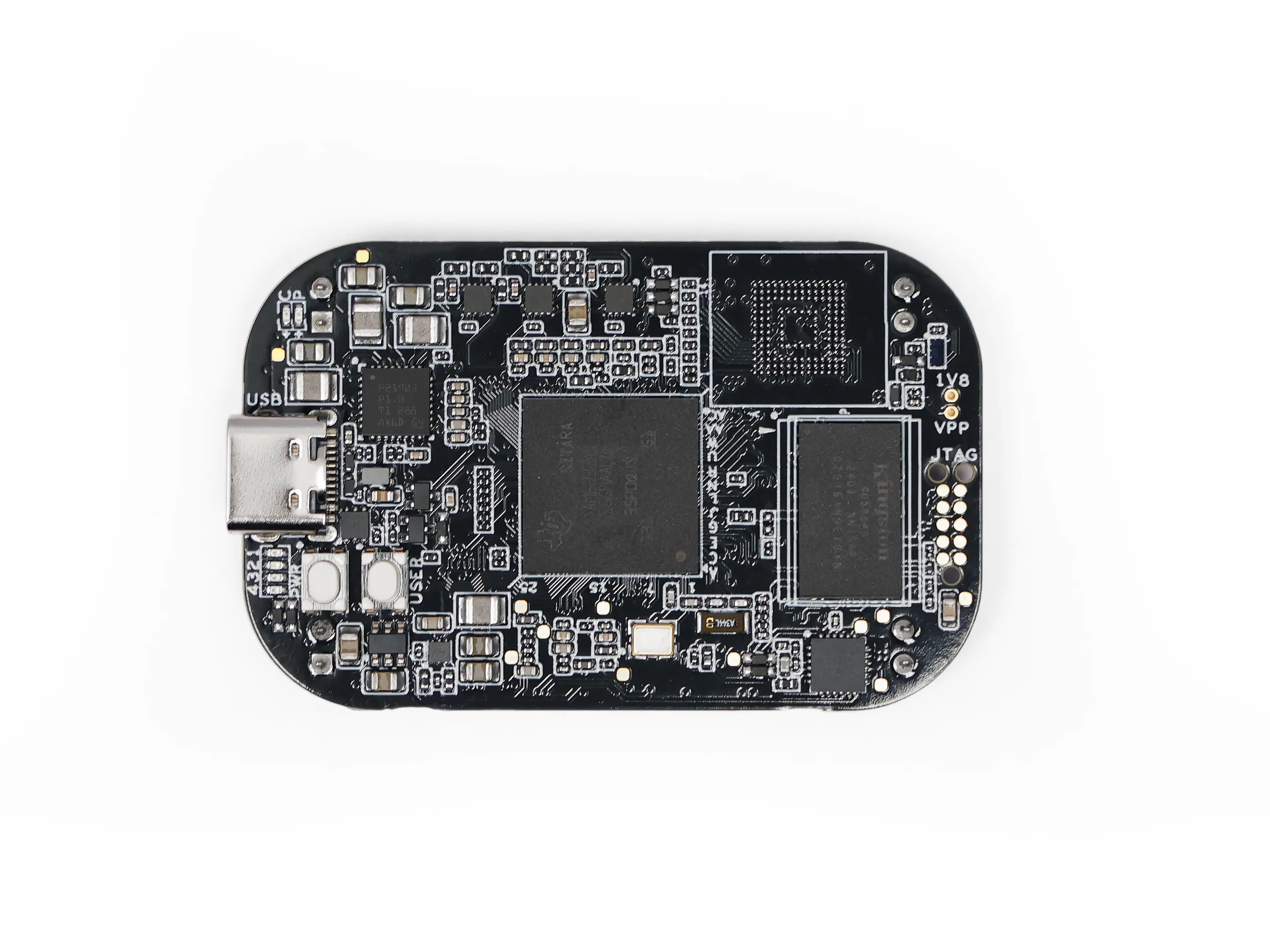
Looking at the top of the board, you can see the USB-C port is centrally positioned as the hub for power and connectivity. The JST-SH connector for UART debugging (1.00mm pitch, 3-pin) is also located on the top side, keeping the essential startup elements compact.
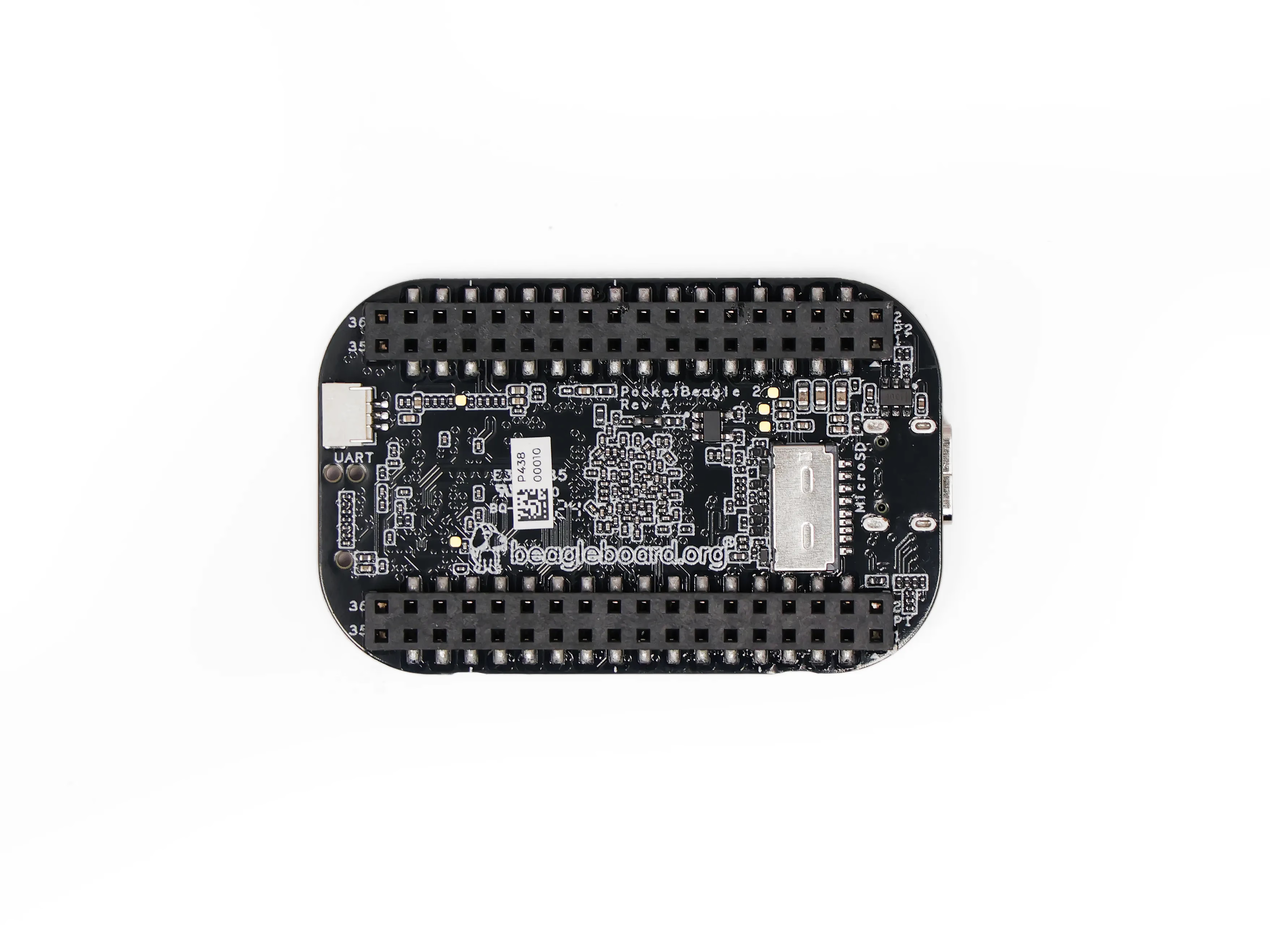
The bottom of the board is relatively simple, useful for checking clearance when housing in a case.
Summary
PocketBeagle 2 is an SBC focused on “ultra-compact size” and an “easy startup experience with just USB-C.” Since microSD operation and USB tethering are the official basic workflows, the appeal lies in the light initial setup for desktop development.
Suited for:
Those wanting to start embedded development/learning with a compact SBC
Those wanting to easily set up a development environment with just USB-C
Those considering stepping up from PocketBeagle classic
Not suited for:
Those requiring onboard video output or Wi-Fi
Those anticipating applications requiring more than 512MB of memory
Those wanting to use it without I/O expansion
Since video output and onboard LAN/Wi-Fi availability cannot be confirmed from primary sources, it’s advisable to plan requirements with “I/O will be built through expansion” in mind. The smaller the SBC with fewer connectors, the more prone to wiring and power issues, so the warning in official Docs (prohibition of applying voltage to I/O when power is not supplied) should be read first.
Retailer
Price (Reference)
Mouser
Around $35 (varies by stock availability)
Digi-Key
Around $35 (varies by stock availability)
*Prices are reference values as of December 2025. Please check the latest prices on each retailer’s website.
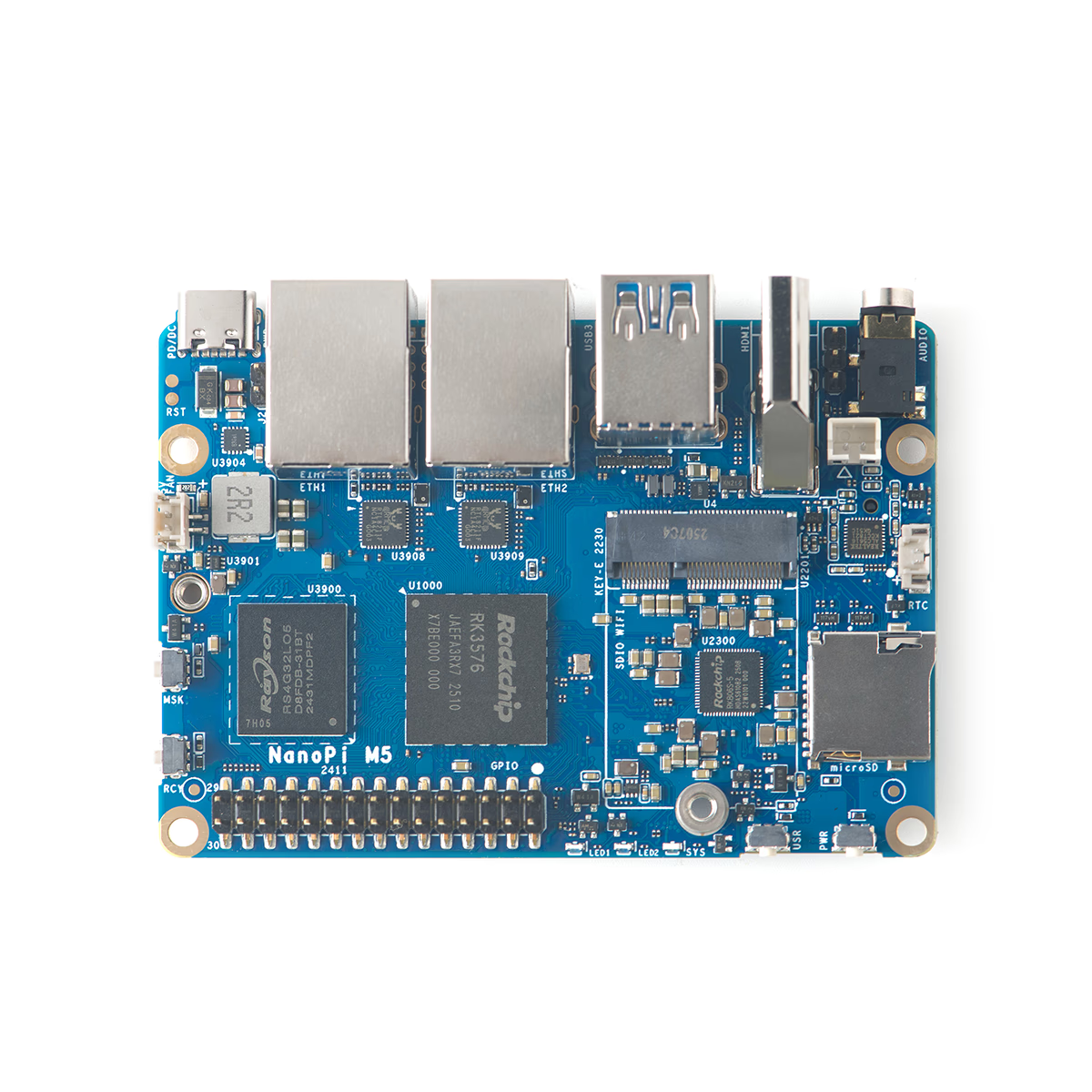
The NanoPi M5 from FriendlyElec is a compact 90×62mm SBC powered by the RK3576 with a 6 TOPS NPU, dual 1GbE ports, and an M.2 NVMe slot. With USB-C power input (6–20V, PD/DC), it offers flexible power options—ideal for router, NAS, or edge AI applications.
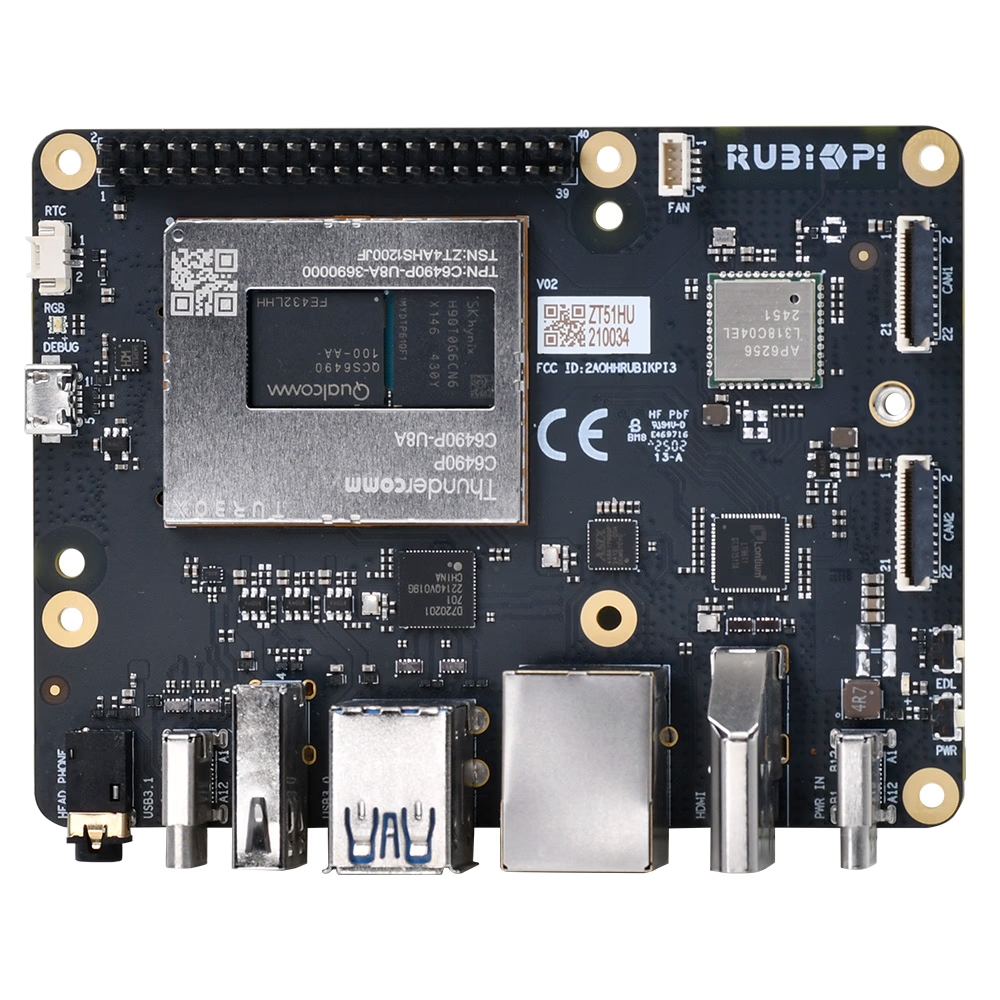
Thundercomm unveiled the RUBIK Pi 3 at CES 2025 on January 7, 2025. Featuring the QCS6490 (Dragonwing series) with up to 12.5 TOPS NPU and onboard 128GB UFS 2.2, this board stands out. However, with USB-C PD (recommended 12V 3A) power requirements and UFS-specific flashing procedures, understanding these before purchase is essential.
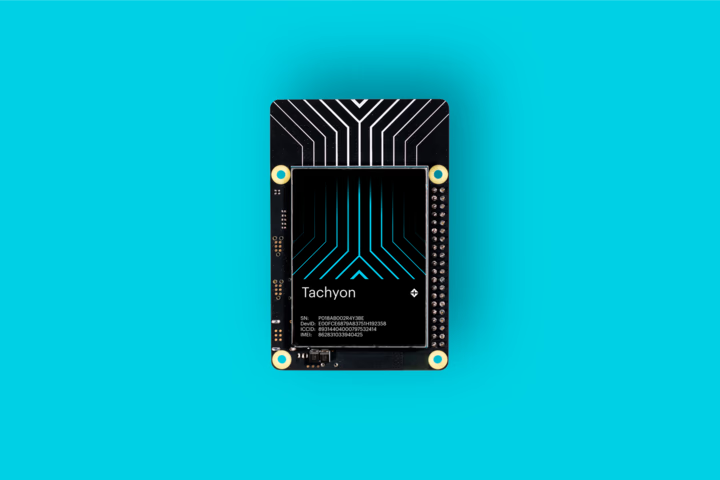
Particle's "Tachyon" is an SBC powered by the Qualcomm QCM6490 (Snapdragon 778G equivalent), condensing 5G connectivity, a 12TOPS NPU, and battery operation into a Raspberry Pi-sized board. With built-in antennas, it excels in field deployments, and its starting price of $249 makes it an attractive option.
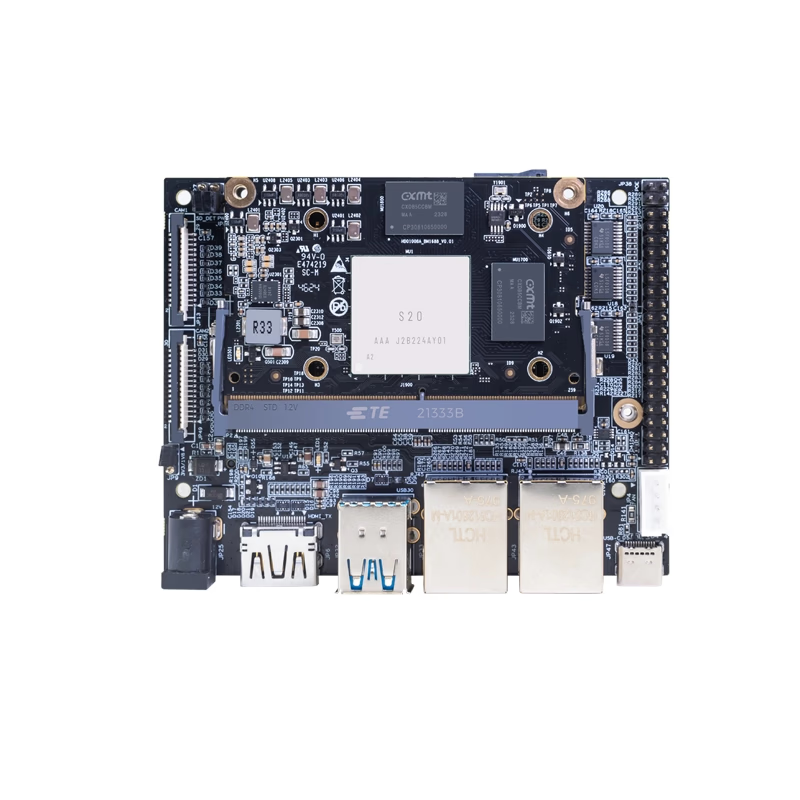
Banana Pi has released product information for their AI-focused core module "Banana Pi BPI-SM9". Equipped with SOPHGO BM1688 and rated at up to 16 TOPS (INT8), the official documentation emphasizes video analytics applications such as decoding and analyzing multiple HD video streams. However, there are inconsistencies in official sources regarding power (5V/12V), dimensions, and GbE port count, so verify whether you are purchasing the module alone, IO board, or kit before ordering.